Crédit kiliyaa te soxlawul kayeu bor
Mu ngi ci BelloPOS Go
Tegal limite bi balaa jaay bi, topp bépp bor ak bépp fey, te jox kiliyaa bi ab relevé bu lim yi dëppoo.
Yebbi ci dara ngir Windows · ñu ngi seet version bu mujj bi… · dafay dox te amul internet
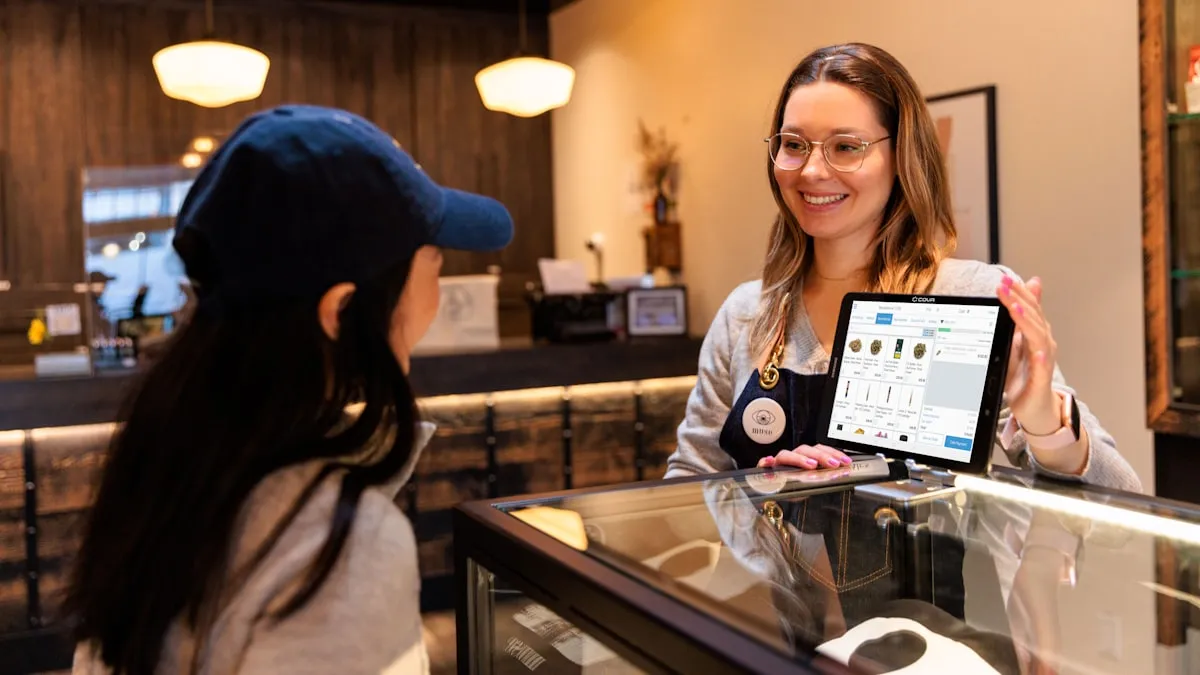
Fiche kiliyaa ak historique jënd dañuy des ci BelloPOS Lite. BelloPOS Go dafay yokk wàll bi yor loraange ci wàllu xaalis: limite crédit ci bépp kiliyaa ak grand-livre bu jub ci ginnaaw solde bi. Jaay bu ñu feyul dafay sos ab débit, fey dafay sos ab crédit, te bépp jubbanti dañu koy bind ni ab ajustement, te kenn du soppi ab total ci loxo.
Ci caisse bi, BelloPOS dafay méngale bor bu bees bi ak limite kiliyaa bi balaa ñuy denc jaay bi. Jëfandikookat bu am sañ-sañu dérogation rekk moo mën a nangu ab exception. Kayeu kiliyaa bi dafay wone bépp yëngu ak solde buy dox, ni bor bi des yàggee, ak relevé PDF bu ñu mën a imprimer. Lépp dañu koy kalkile ci grand-livre bi te denc ko ci PC bitig bi.
Li muy def
Limite bu ñuy seet ci caisse bi
Tegal solde bu gën a mag ci bépp kiliyaa. Jaay bu koy weesu dañu koy taxawal, ba jëfandikukat bu am sañ-sañ nangu exception bi ci coobareem.
Grand-livre, du total bu ñu mën a soppi
Jaay yu ñu feyul, fey yi, solde tàmbali yi ak ajustement yi dañuy nekk ay yëngu yu am bés ak solde buy dox.
Yàggaayu bor ci benn xool
Xaalis bi des dañu koy boole ci seen yàggaay, kon bitig bi mën na ràññee solde bu bees ak bor bu yàgg a xaar lu ëpp.
Fey bor ak relevé PDF
Bindal ab fey ak anamam ak noteam, te exporter relevé kiliyaa bi ak colonne débit, crédit ak solde.
Gis ko ci app bi
Écran yu dëgg yu BelloPOS ci Windows.
Ni muy doxe, tappaliku ak tappaliku
- 1Sosal kiliyaa bi te teg limite crédit; tus dafay bàyyi compte bi amul limite.
- 2Takkal ab jaay bu ñu feyul ci kiliyaa boobu.
- 3BelloPOS dafay seet solde bi ci njeexital balaa caisse bi te bind débit bi.
- 4Ubbil kayeu kiliyaa bi ngir seet yëngu yi, solde buy dox ak yàggaayu bor yi.
- 5Bindal fey bor yi te imprimer relevé compte PDF bu bees.
Laaj yi jaaykat yi di laaj
Ndax fiche kiliyaa yi ñu ngi ba tey ci Lite?
Waaw. Detayu kiliyaa ak historique jaay ñu ngi ci Lite. Limite crédit, kayeu bi, fey bor, yàggaayu bor ak export relevé compte dañuy tàmbalee ak BelloPOS Go.
Ndax caissier mën na weesu limite ab kiliyaa?
Su rôleam amee sañ-sañu dérogation crédit kiliyaa rekk. Su dul loolu BelloPOS dafay tere jaay bi te leeral solde bi nekk, xaalis bu bees bi ak limite bi ñu teg.
Lan moo di soppi solde bi?
Jaay yu ñu feyul dañu koy yokk; fey kiliyaa yi dañu koy wàññi. Solde tàmbali yi ak ajustement yi dañu leen di bind ni seen yëngu ci seen bopp, te total bi ñu wone dañu koy kalkileet ci liñ grand-livre yooyu.
Yeneen li BelloPOS man
Bépp module, benn xët ngir ku nekk.
Lojisel POS bu écran tactile
Ekraanu caisse bi sa liggéeykat yi dinañu ko jëfandikoo dëgg: benn bës ci écran ci benn marsandiis, benn saa ci benn fey, te dara du xaar internet.
Lojisel jëwrin stock
Bépp jaay ak bépp livraison dafay yëngal lim bi, kon li écran bi wax mooy li nekk dëgg ci etaasëer bi.
Lojisel code-barre ak étiquette
Bépp scanner dafay dox ci saa si, te lu amul code-barre dina am bu nga imprimer sa bopp.
Lojisel facture ak reçu
Tike thermique ngir ñiy xaar, facture PDF bu jub ngir kiliyaa bi ko laaj, ñoom ñaar ñépp bawoo ci menn jaay bi.
Lojisel jëwrin kiliyaa
Xam ki nekk ci sa kanam, li mu jënd ci yoon wi weesu, ak detay yi facture bi ci topp di soxla.
Lojisel jënd ak fournisseur
Bindal li agsi ak li nga fey, te bàyyi stock bi, njëgu jënd yi ak historique fournisseur bi ñu soppiku ñoom ñépp ci benn yoon.
Lojisel rapport jaay
Li jaayu, li jur, ku ko jaay ak lu nga war a komande ci topp, te doo exporter dara ci benn tableur.
Lojisel POS restaurant
Saal bi, pass bi ak addition bi ci benn système, buy dox ba tey su internet bi dee ci digg service bi.
Lojisel ngir atelier defar ak liggéeyu service
Téléphone bu ñu bàyyi ngir defar, rendez-vous coiffure ci 10i waxtu, ndox muy tuuru ci kër kiliyaa: benn fiche ci bépp liggéey, benn numéro, dara du réer.
Lojisel POS bu soxlawul internet
Du ab mode hors ligne buy dabaat ginnaaw: lojisel bi dafay dox rekk fa sa bitig nekk.
Lojisel POS bu ay caisse yu bari
Benn PC moo yor données yi, yeneen terminal yi dañuy waxtaan ak moom ci sa réseau ci sa bopp, te dara du génn ci kër gi.
Compte liggéeykat ak sañ-sañ
Ku nekk am sa login, bépp rôle am bouton yi mu war a am rekk, te historique bi dafay wax ku def lan.
Crédit kiliyaa te soxlawul kayeu bor
Tàmbalil tey te boole sa njaay yépp ci benn plateforme.