BelloPOS ngir sa liggéey
POS bu amul fey ngir supermarché ak butig
Scanne, total, imprimer. Caisse bu ñu defar ngir ñiy toppante, ak app inventaire bu amul fey ci ginnaawam.
Yebbi ci dara ngir Windows · ñu ngi seet version bu mujj bi… · dafay dox te amul internet
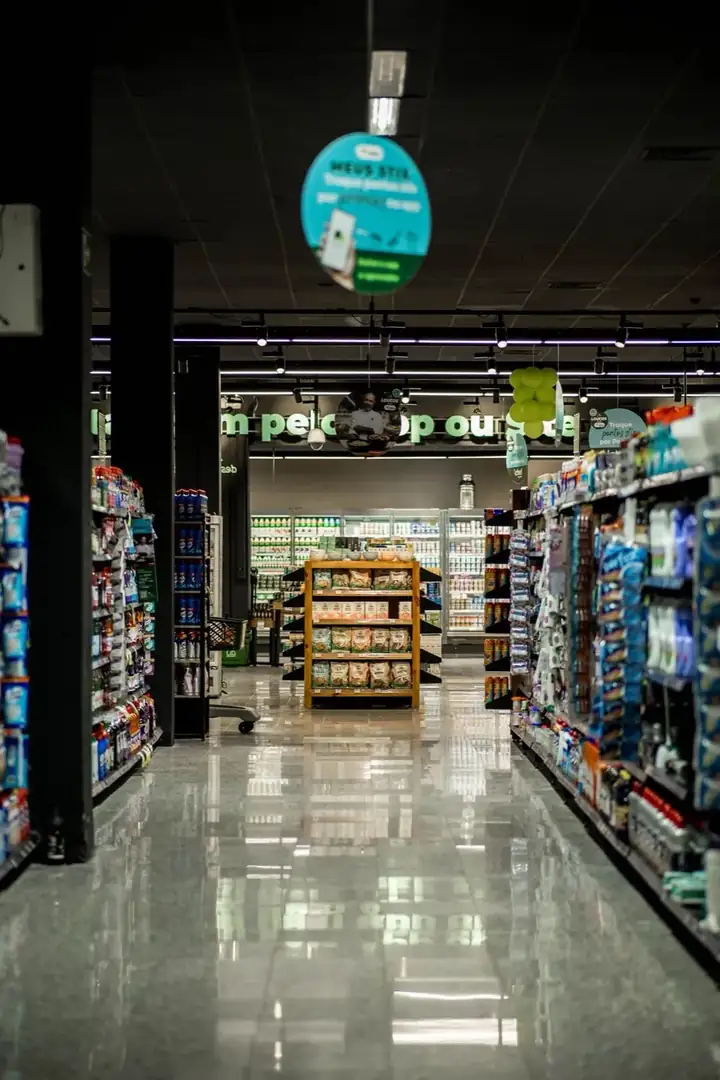
Caisse butig, ci ñaata marsandiis ci benn simili lañu koy natte, te bu nekk ci ñoom ak code-barre lay tàmbalee. BelloPOS dafay dox ak bépp scanner code-barre USB walla Bluetooth ci saa si: scanne, te produit bi, njëg bi ak taxe bi dañuy dugg ci panye bi. Produit yi amul code-barre dañuy am benn boo imprimer sa bopp, ci étiquette yu bawoo ci app bi.
Ci ginnaaw caisse bi, app inventaire bu mat la (limu stock, kategori, fournisseur ak bon de commande), bu ñu instale ci sa PC ci Marok, fa données yi di des. Licence bu fàww bi amul fey dafay dugal caisse bi, reçu yi, code-barre yi ak stock bi, kon bitig bu ndaw mën na dox lépp te du fey dara.
Li ngay am
Scanner code-barre
Bépp scanner USB walla Bluetooth dafay dox te doo seet driver. Scanne ngir jaay te scanneeti ngir jot livraison, kon stock bi ak etaasëer bi dañuy dëppoo.
Imprimeel say étiquette code-barre
Marsandiis yu ñuy jaay ci lu wàcc, yu ñu defaat seen embaal ak lépp lu agsi te amul étiquette dañuy am code-barre boo sos te imprimer ci app bi, ci tollu étiquette bi ngay jëfandikoo.
Stock boo mën a wóolu
Bépp jaay ak bépp jënd dafay yëngal lim bi. Gisal li wàññiku balaa etaasëer bi di dóor, te seet marge yi ak li nga fey dëgg sa fournisseur.
Caisse bu gaaw te soxlawul internet
Ay taux taxe yu bari, ay anam fey yu bari ak écranu kiliyaa, lépp dafay dox ci PC bitig bi, kon ñiy xaar duñu xaar connexion mukk.
Gis ko ci app bi
Écran yu dëgg yu BelloPOS ci Windows.
Sa katalog démo, pare ci installation bi
Tànnal liggéey bii boo di installer BelloPOS te kategori ak produit yii dañu leen lay defaral, ci sa làkk ak sa xaalis. Soppi seen tur, seen njëg walla far leen saa su la neexee.
- 1Installer BelloPOS te tànn sa làkk ak sa réew.
- 2Tànnal "Jéem ak données démo", te nga tànn sa liggéey.
- 3Tàmbali jaay ci katalog bu jëkk a mel ni sa bitig.
Supermarché ak bitig
5 kategori · 24 produit
Groceries
- Rice 1 kg$ 1,80
- Spaghetti pasta 500 g$ 0,90
- Sunflower oil 1 L$ 2,20
- Sugar cubes 1 kg$ 1,20
- Green tea 250 g$ 2,50
- Flour 5 kg$ 4,50
Fresh products
- Whole milk 1 L$ 0,75
- Plain yogurt x4$ 1,20
- Butter 250 g$ 2,40
- Cheese portions x16$ 2,80
- Eggs x12$ 1,80
Fruit and vegetables
- Tomatoes 1 kg$ 0,80
- Potatoes 1 kg$ 0,60
- Bananas 1 kg$ 1,50
- Oranges 1 kg$ 0,70
Drinks
- Mineral water 1.5 L$ 0,60
- Cola soda 1 L$ 1,00
- Orange juice 1 L$ 1,60
- Ground coffee 250 g$ 3,20
Hygiene and cleaning
- Liquid detergent 3 L$ 6,50
- Dish soap 1 L$ 1,50
- Toilet paper x8$ 3,00
- Shampoo 400 ml$ 3,50
- Toothpaste 75 ml$ 1,40
Njëg yi ay misaal lañu ci dolaar amerikeen; app bi dina leen weccit ci sa xaalis.
Yebbi léegiNi njaay di doxe
- 1Scanne marsandiis yi ci panye bi; njëg bi ak taxe bi ñoo bawoo ci fiche produit bi.
- 2Takkal kiliyaa fidèle bu amee.
- 3Jëlal xaalis, kart walla fey bu ñu xaajale, te imprimer tike bi.
- 4Jotal livraison yi ci scanne leen ak bon de commande.
- 5Seetal stock bi, marge yi ak totalu bés bi ci menn PC bi.
Laaj yi jaaykat yi di laaj
Ban scanner code-barre lay dox?
Ci dëgg, ñoom ñépp. Scanner USB ak Bluetooth yi dañuy wone seen bopp ni ay klawiye, kon dañuy dox saa yu ñu leen lonkoo, amul configuration te soxlawul modèle bu wuute.
Ndax mën naa imprimer code-barre ngir produit yi amul?
Waaw. Sosal benn code ngir produit bi te imprimer étiquette yi ci tollu bi ngay jëfandikoo, ay yu bari ci benn xët, ci app bi ci saa si.
Ndax wàllu inventaire bi it amul fey?
Waaw. Topp stock, kategori ak imprimer code-barre, lépp ñu ngi ci licence Lite bi amul fey. Bon de commande ak topp fournisseur ñu ngi ci plan yi ñuy fey, yi ñuy jaay ba fàww walla weer ak weer.
Yeneen liggéey
Lépp li BelloPOS manRestaurant
Taabal yi, waañ wi ak serwiis bu gaaw.
Café ak bitigu kafe
Komand yu gaaw, comptoir bi ak terrasse bi.
Boulangerie ak pâtisserie
Natt, jaay te topp mburu yu bees yi.
Mood ak yére
Taille, wuute yi ak koleksiyoŋi jamono.
Rafetaay ak cosmétique
Marque yi, testeur yi ak kiliyaa yu dëggu yi.
Bar ak lounge
Tour yi, kont yu ubbiku ak comptoir bu fees.
Bitig ak jaay bu yaatu
Lekk yu ndaw, naan ak marsandiis yu bés bu nekk.
Boucherie
Jaay ci kilo, dog bu nekk.
Parapharmacie
Dermo-cosmétique, toppatoo xale yu ndaw ak compléments.
Papeterie ak jumtukaayu lekool
Ubbiteg lekool, produit ak produit.
Électronique ak téléphone
Téléphone, accessoire ak ticket yu njëg ju kawe.
Électroménager
Njaay yu njëg ju kawe, avance ak livraison.
Bitigu meubles
Njaay ci showroom, avance ak komand.
Pièces auto
Junniy référence, ñuy gis ci ay saa.
Quincaillerie
Junniy jumtukaay yu ndaw, njëgu boroom liggéey ak kont.
Bitigu téléphone
Téléphone, accessoire, defar ak téereb kiliyaa.
Bitigu dàll
Bépp pointure ak bépp kulëer ak stockam.
Bitigu fowukaay
Caisse bu gaaw ngir mbëmbëmu bés yu mag yi.
Bitigu mala
Ñam ci saaku walla ci kilo, kiliyaa yu dëggu.
Opticien
Monture yu nekk ci stock, komand yu ñuy topp, avance ci kont.
Bijouterie
Bépp bijou ñu waññi ko, fey ci ay yoon, saytu bu mat.
Bitigu sport
Taille, njëgu club ak kont.
Fast food
Komand yu gaaw ci comptoir, écranu waañ, livraison.
Pizzeria
Lekk fi, yóbbu walla livraison, ak note ngir waañ wi.
Defar téléphone ak òrdinatëer
Fiche defar, IMEI, devis, pièce ak garanti.
Defar électroménager
Ci atelier bi walla ci kër gi, ak ñëw yi ci calendrier.
Garage
Fiche ak plaque, kilométrage, pièce ak mécanicien.
Raxas oto
Rendez-vous walla ñu ñëw rekk, plaque ak taille oto.
Pressing ak blanchisserie
Étiquette, limu yére, tàq ak jëlaat.
Salon coiffure ak rafetal
Rendez-vous ci bépp coiffeur, allergie ak produit yi ñu jëfandikoo.
Plombier ak électricien
Laaj, ñëw, technicien ak facture.
Entreprise setal
Liggéey ci surface ak néeg, ekip yi ci calendrier.
Tëgg
Jubbanti yére, natt ak essayage.
Toppatoo mala yi
Rendez-vous, fichu mala bi ak denc ko.
POS bu amul fey ngir supermarché ak butig
Tàmbalil tey te boole sa njaay yépp ci benn plateforme.