The other tills
Extra checkout stations join over your own network, by cable or Wi-Fi. A sale rung up on one till shows on all of them straight away, and the stock count follows.
Bill fast, track stock and keep every customer's udhaar on your own Windows PC or Mac, even when the internet drops. Start free, and pay in rupees only when you need more.
BelloPOS runs on a Windows computer or a Mac. Open the link there.
BelloPOS for Android runs on tablets, not on phones. Open this page on your tablet or your computer.
Download anywayFree download for Windows · checking the latest release… · works offline
Free download for Mac · checking the latest release… · works offline
Free download for Android tablets · checking the latest release… · works offline
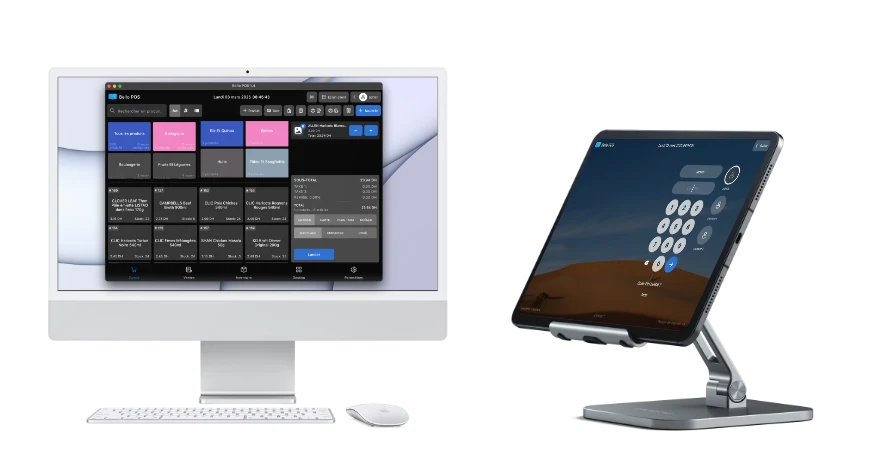
Free point of sale
The Lite plan is free forever. There is no monthly fee, and you never need a card.
Free monthly updates
A new version every month, free: new features, bug fixes and support for more devices.
Easy orders and receipts
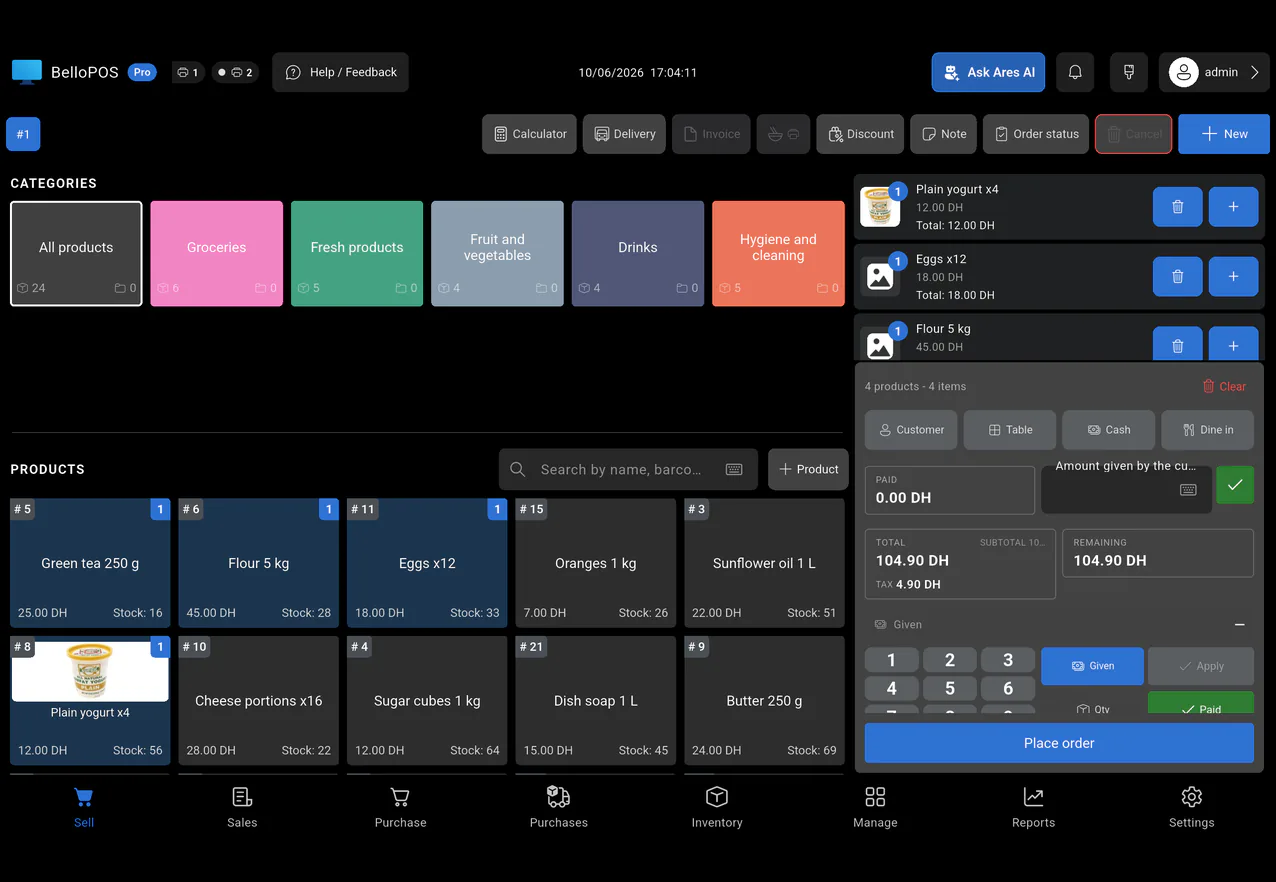
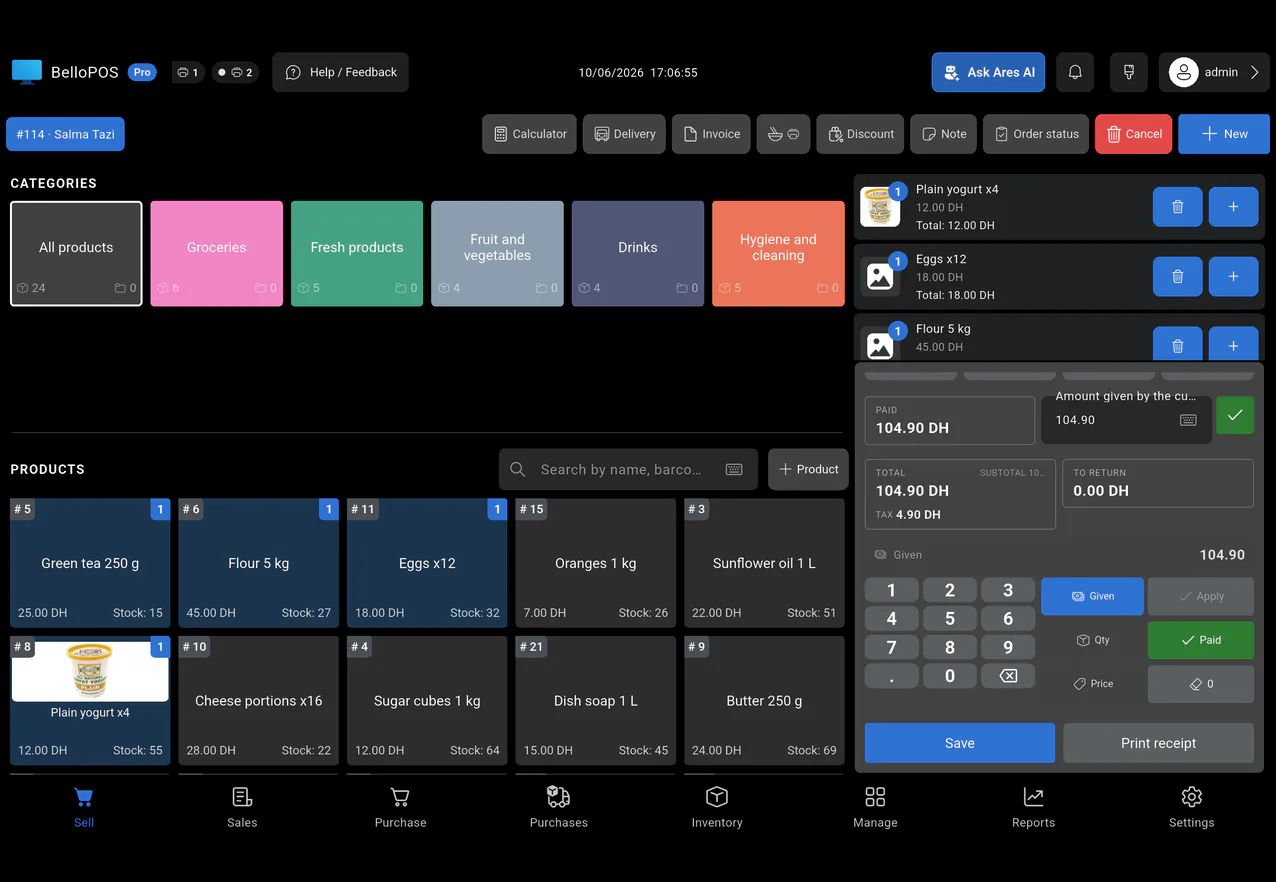
A clear, simple screen to build an order in a few taps and print the receipt right away.
Barcode scanner support
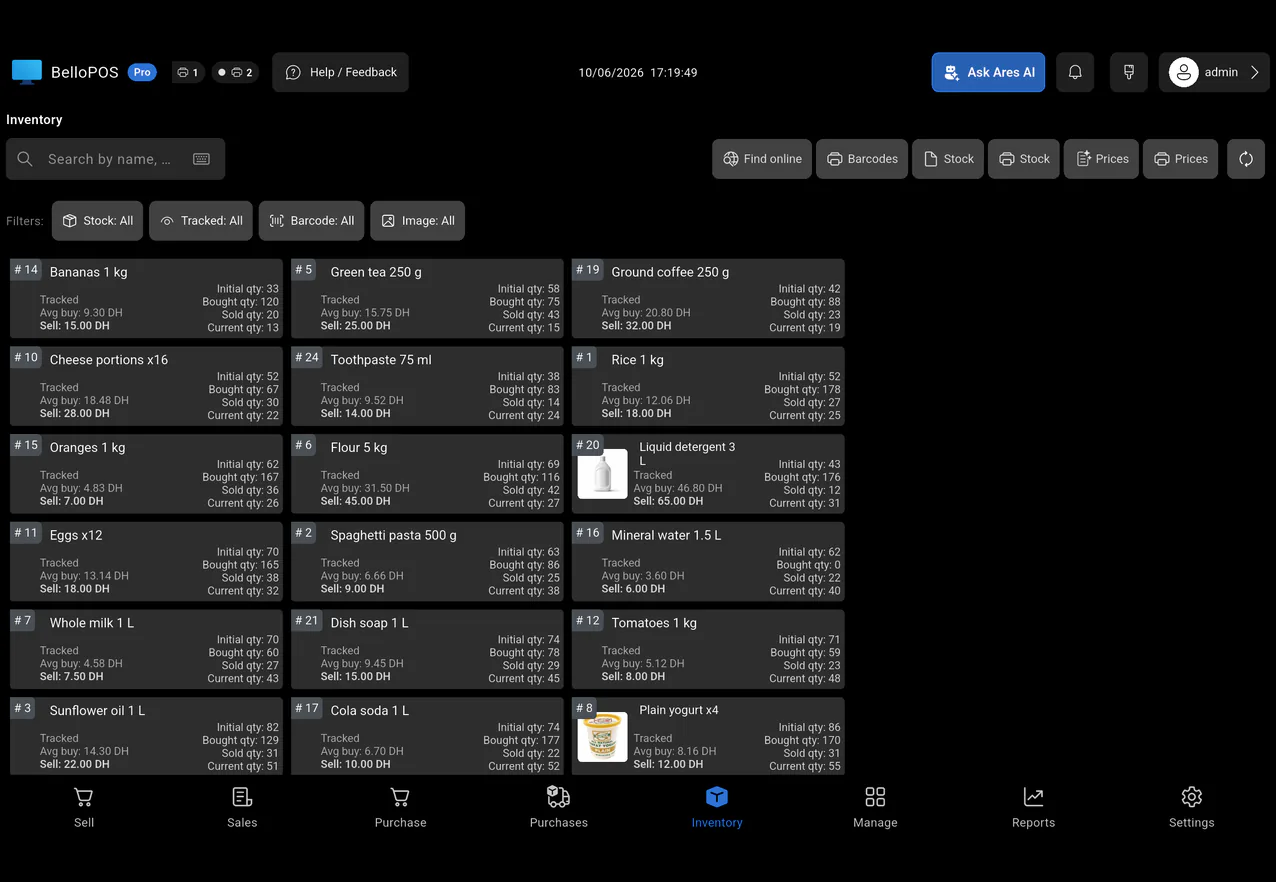
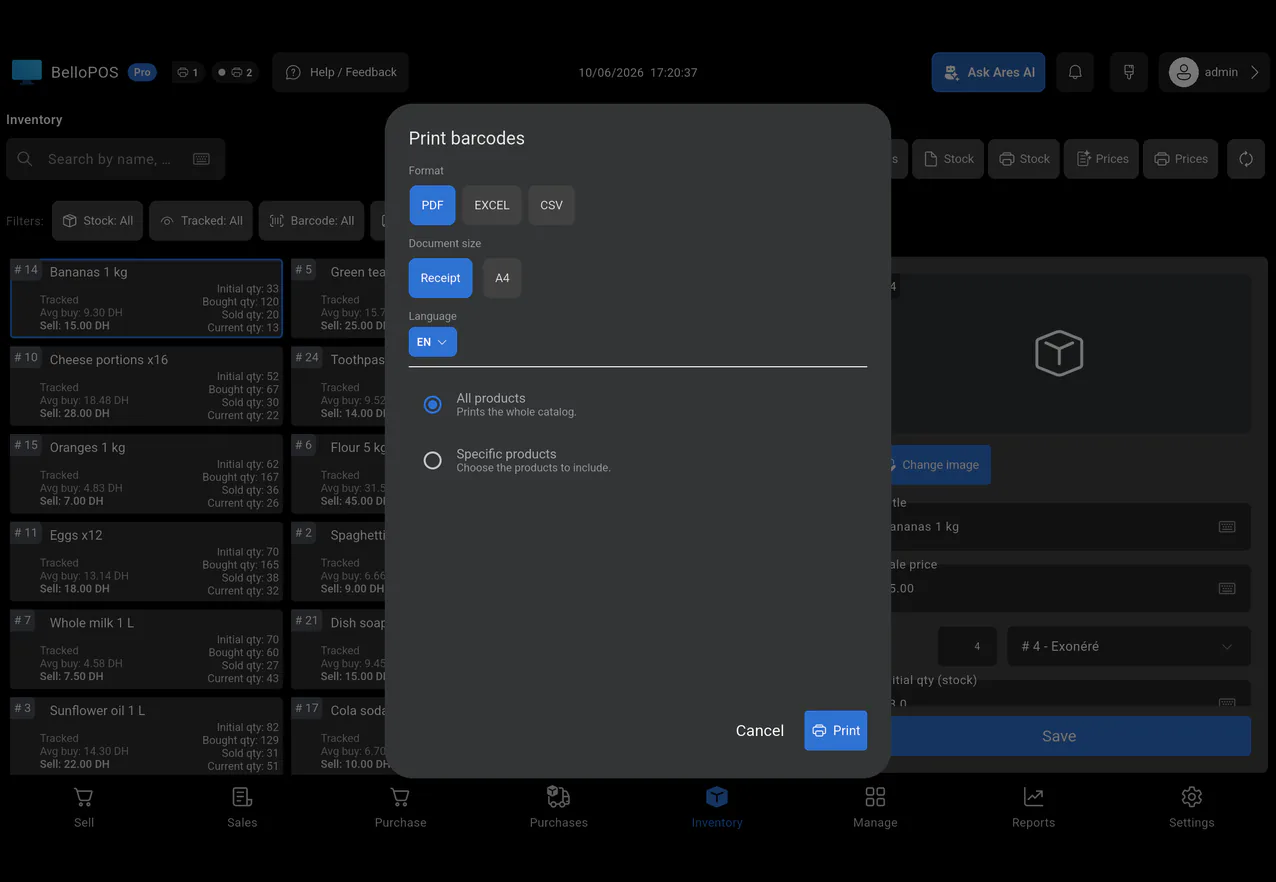
Plug in any USB or Bluetooth barcode scanner. It works right away. Scan to sell, scan new stock, and print your own labels.
Receipt printer support
Use a small receipt printer (58 or 80 mm) or any printer your computer already uses. Choose how your receipt looks. Save invoices as PDF.
Free inventory desktop app
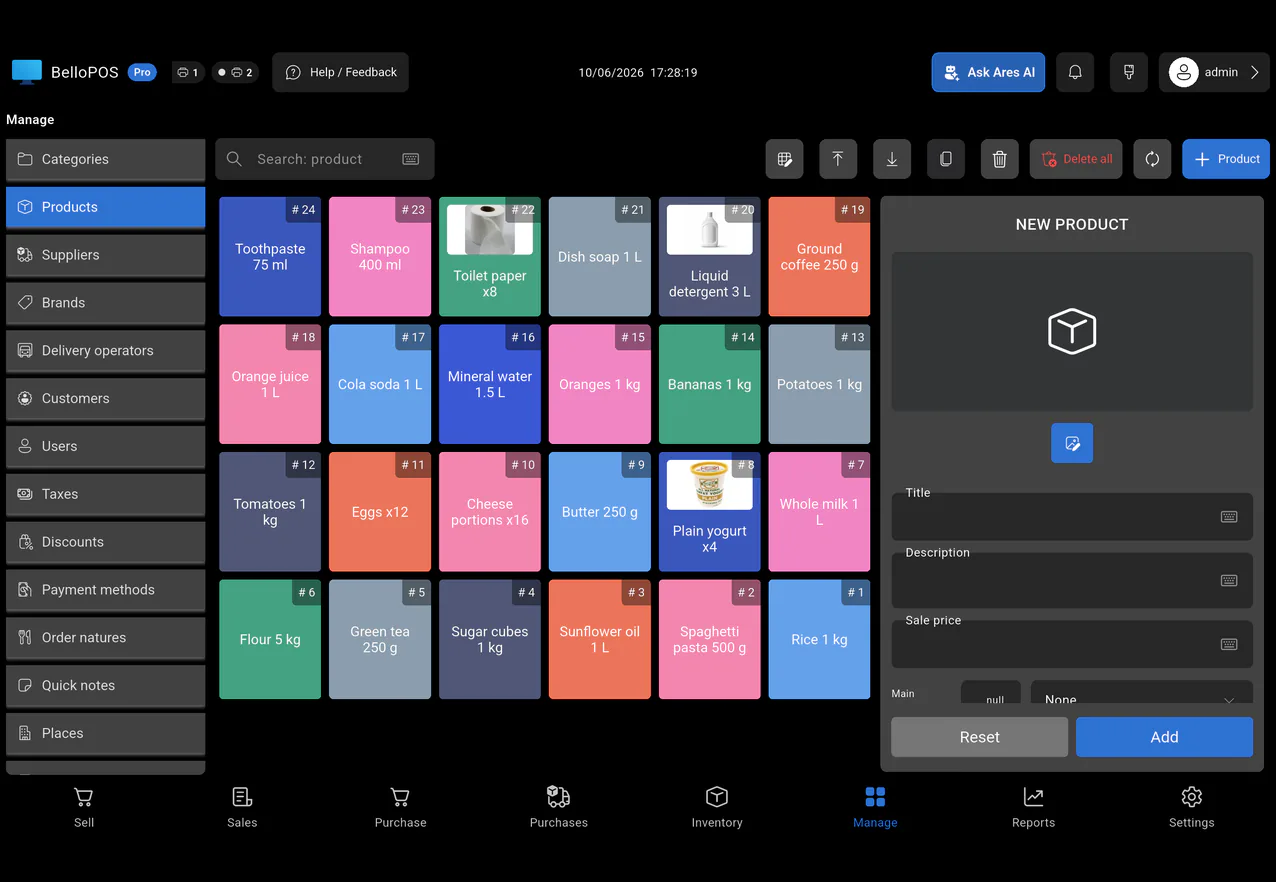
See your stock, your suppliers and your orders in one place. It all stays on your own PC, so your data is yours.
Unlimited users and custom roles
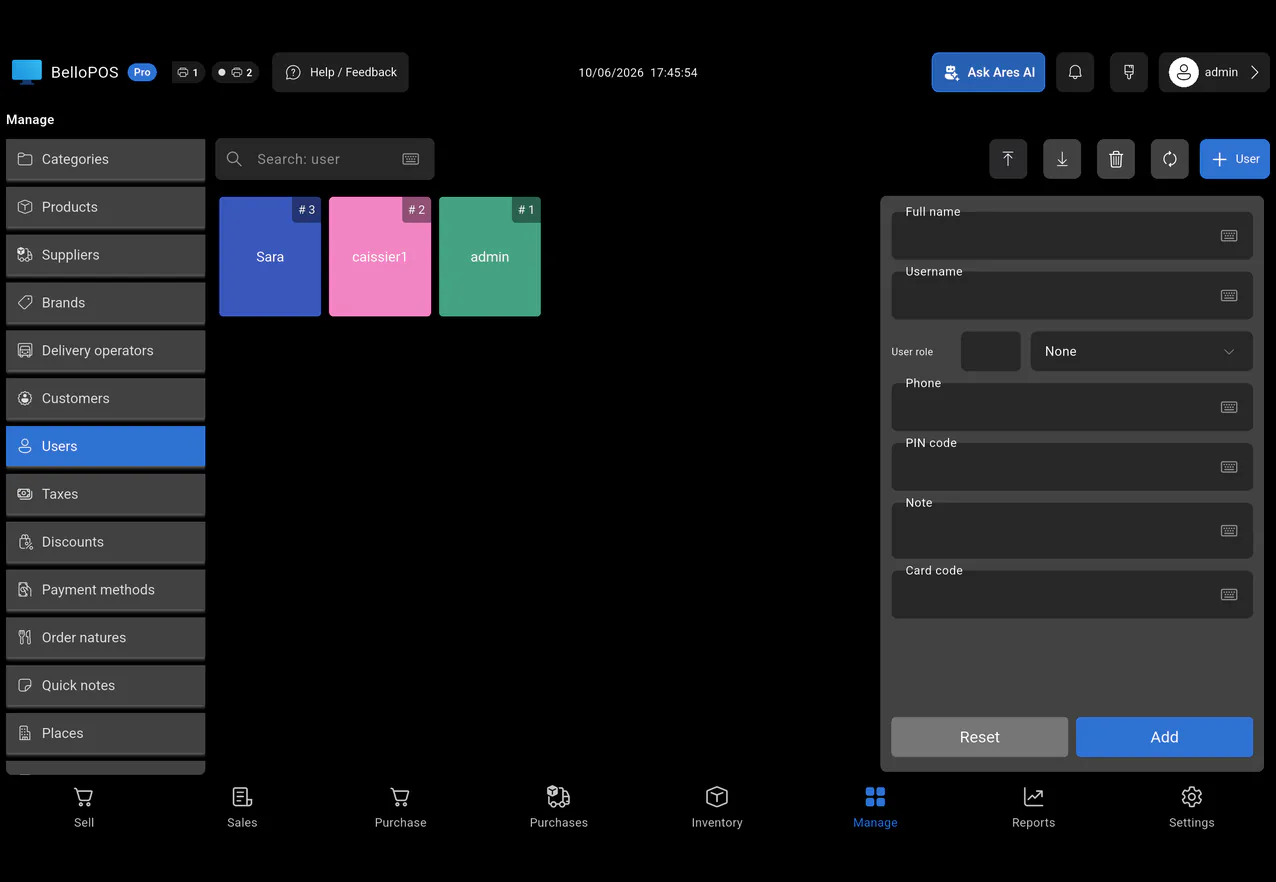
Add as many users as you need and choose exactly what each one can see and do.
Invoice export
Save all the invoices of a period as PDF in a few clicks.
Premium support
Priority help from our team when you need it.
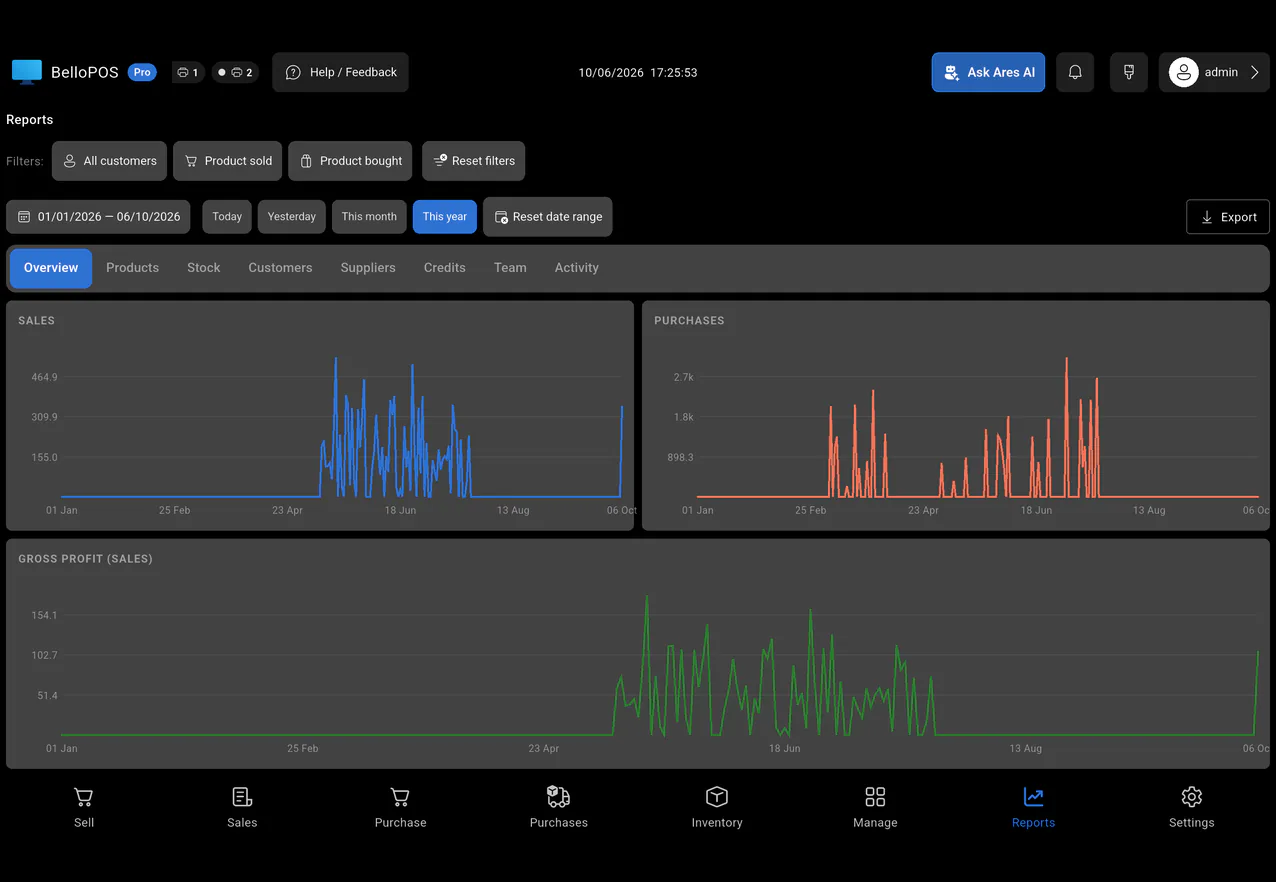
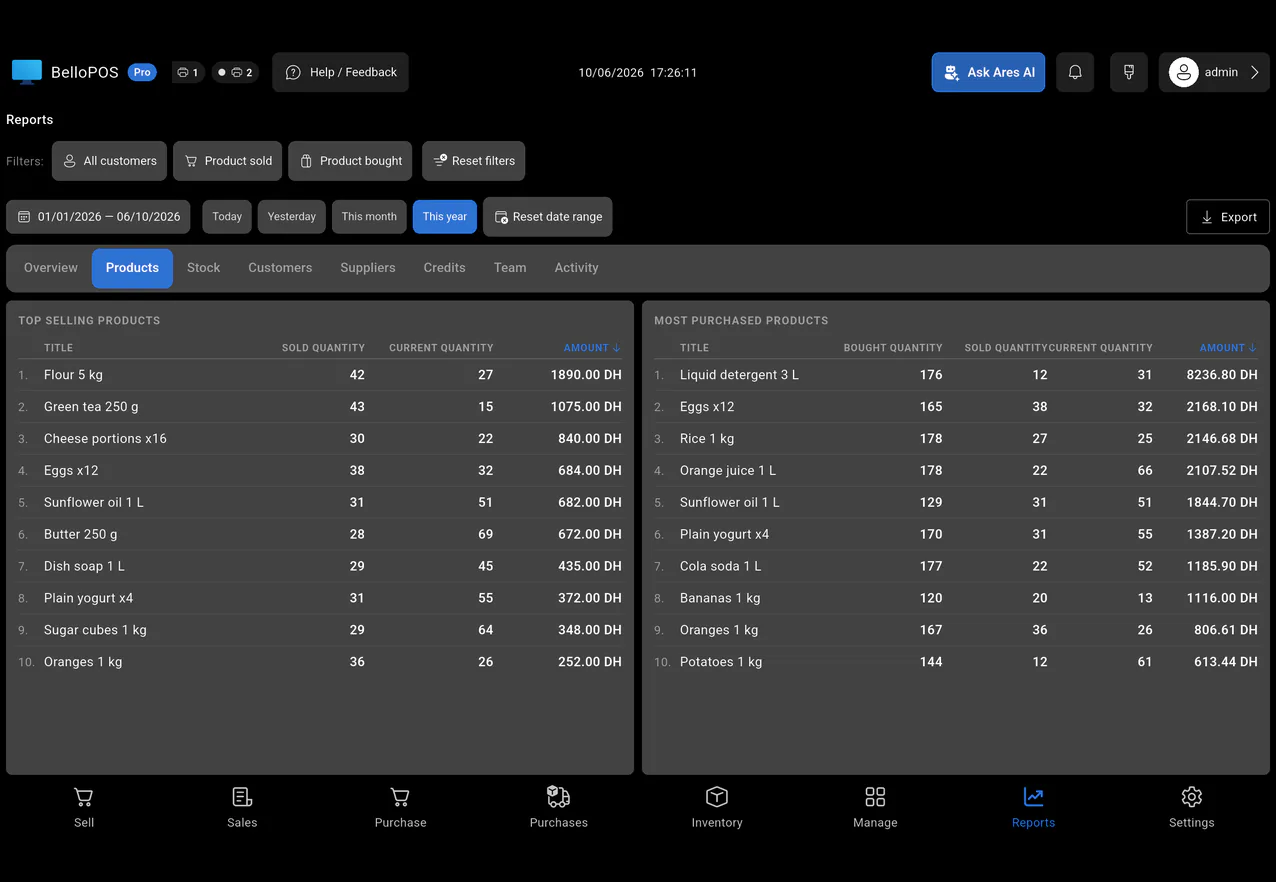
Analytics dashboard
Revenue, profit, best-selling and most-purchased products, and what each user did.
Automatic backups
Your database is backed up on its own, so you never lose your data.
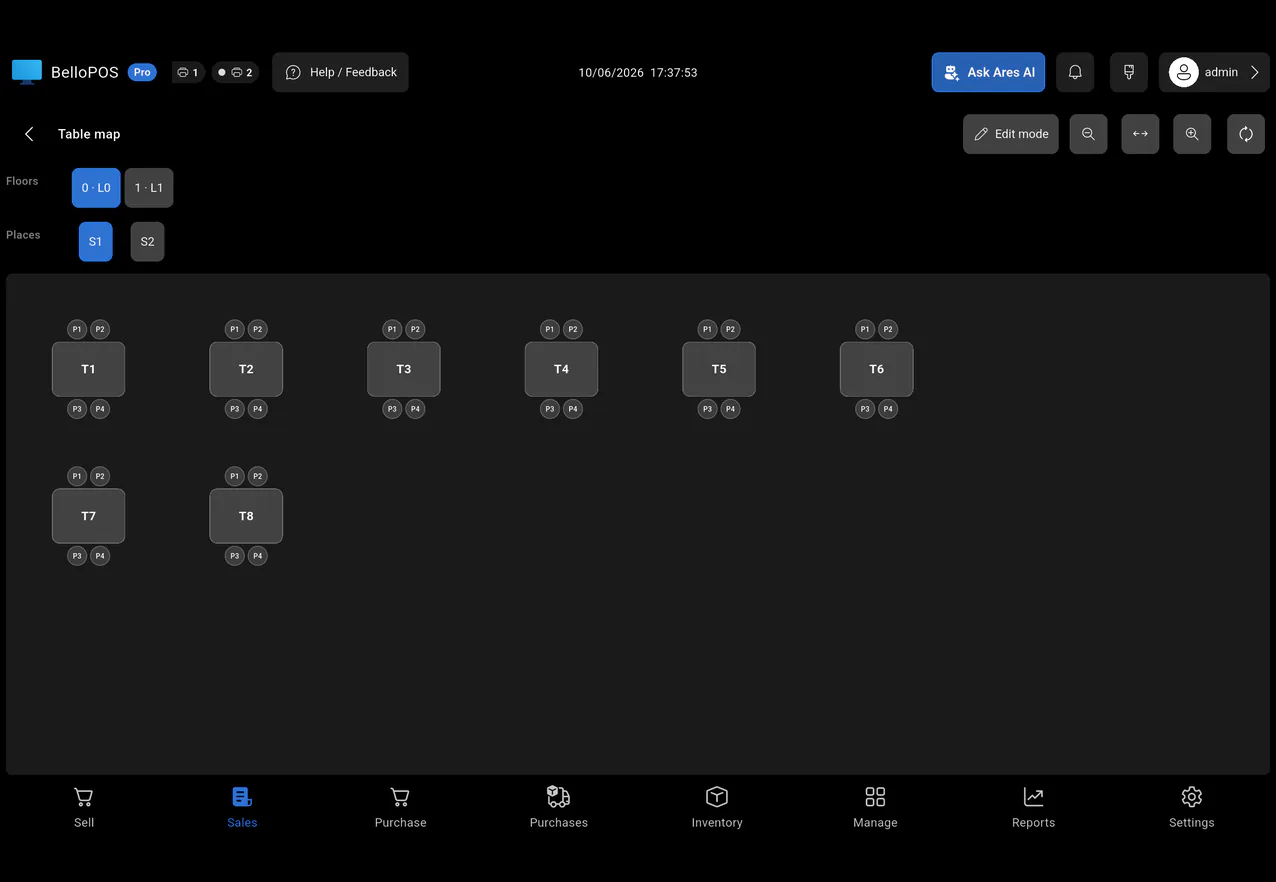
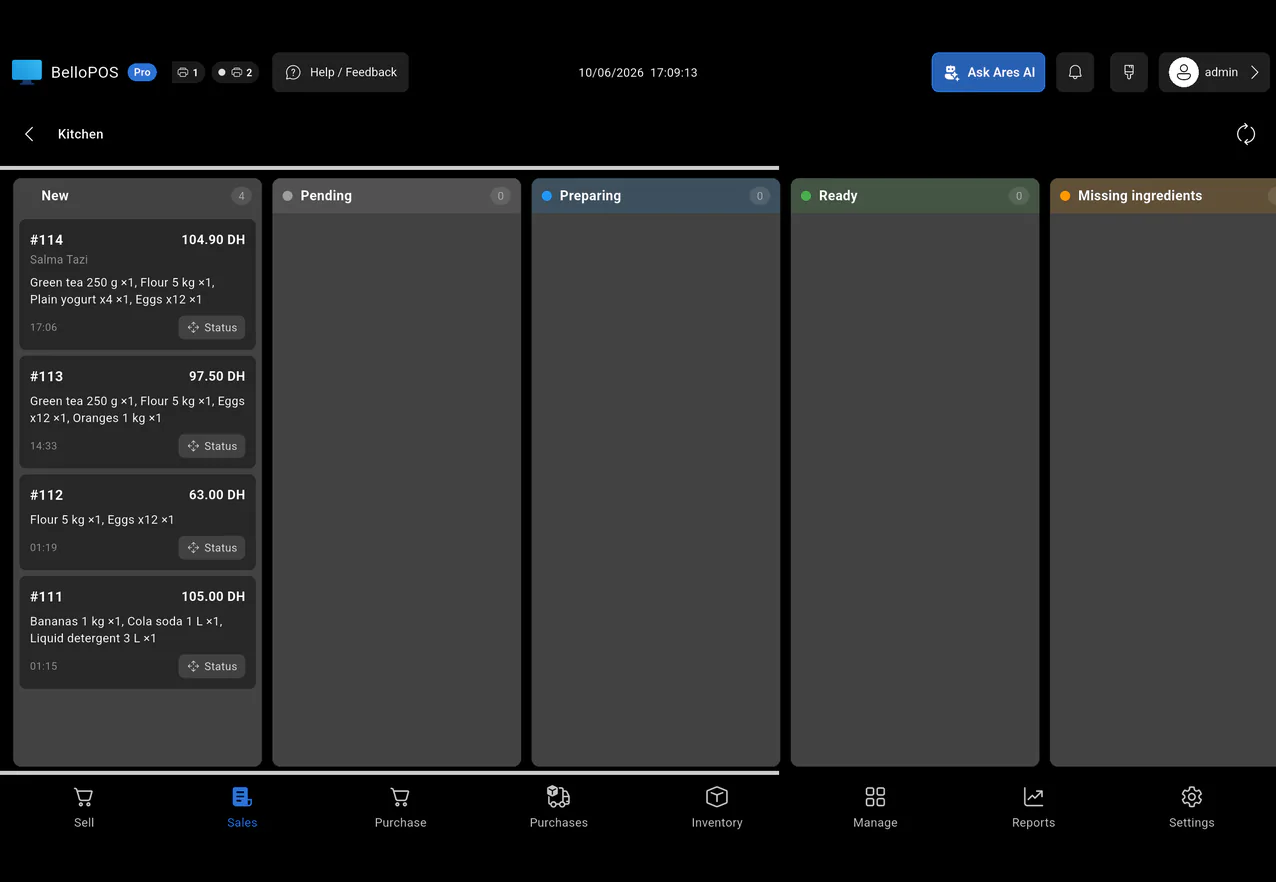
Full restaurant mode
A kitchen app for your cooks and a map of your tables.
Jobs, bookings & repairs
Take a device in, book an appointment or plan a visit, follow each job to the end, and print the customer's ticket.
Many tills on one network
Connect several tills over your local network. They share the same data.
Daily sales reports
Get your sales summary every day by Telegram and email.
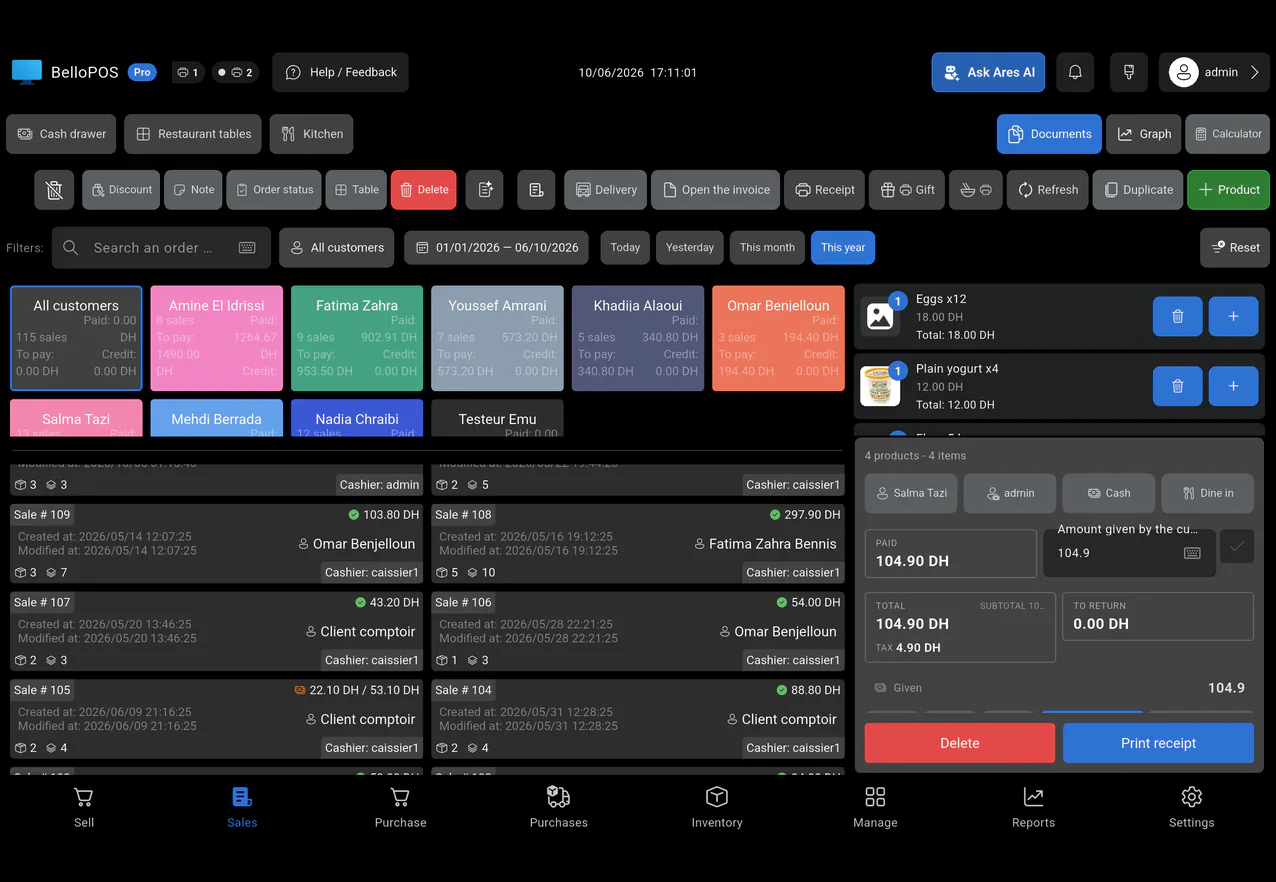
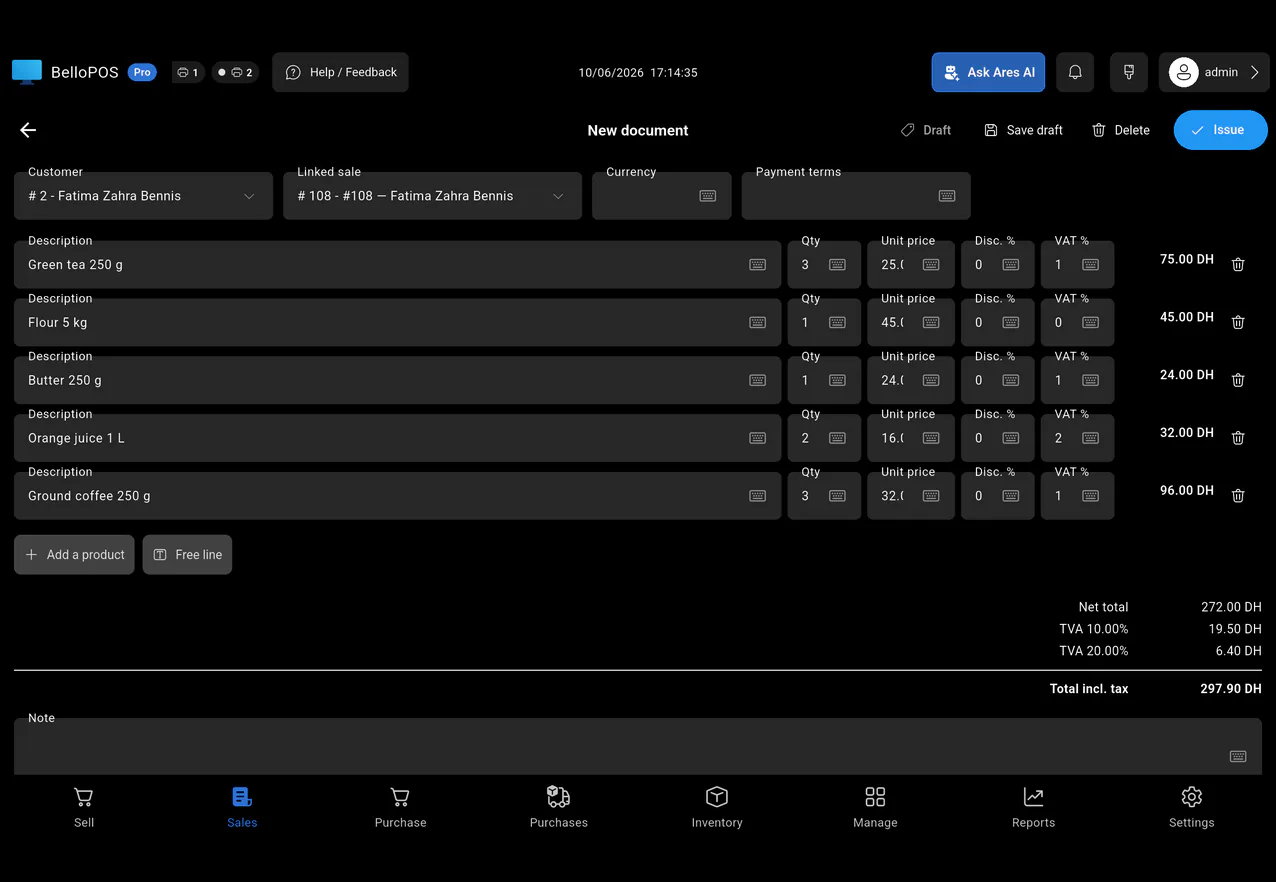
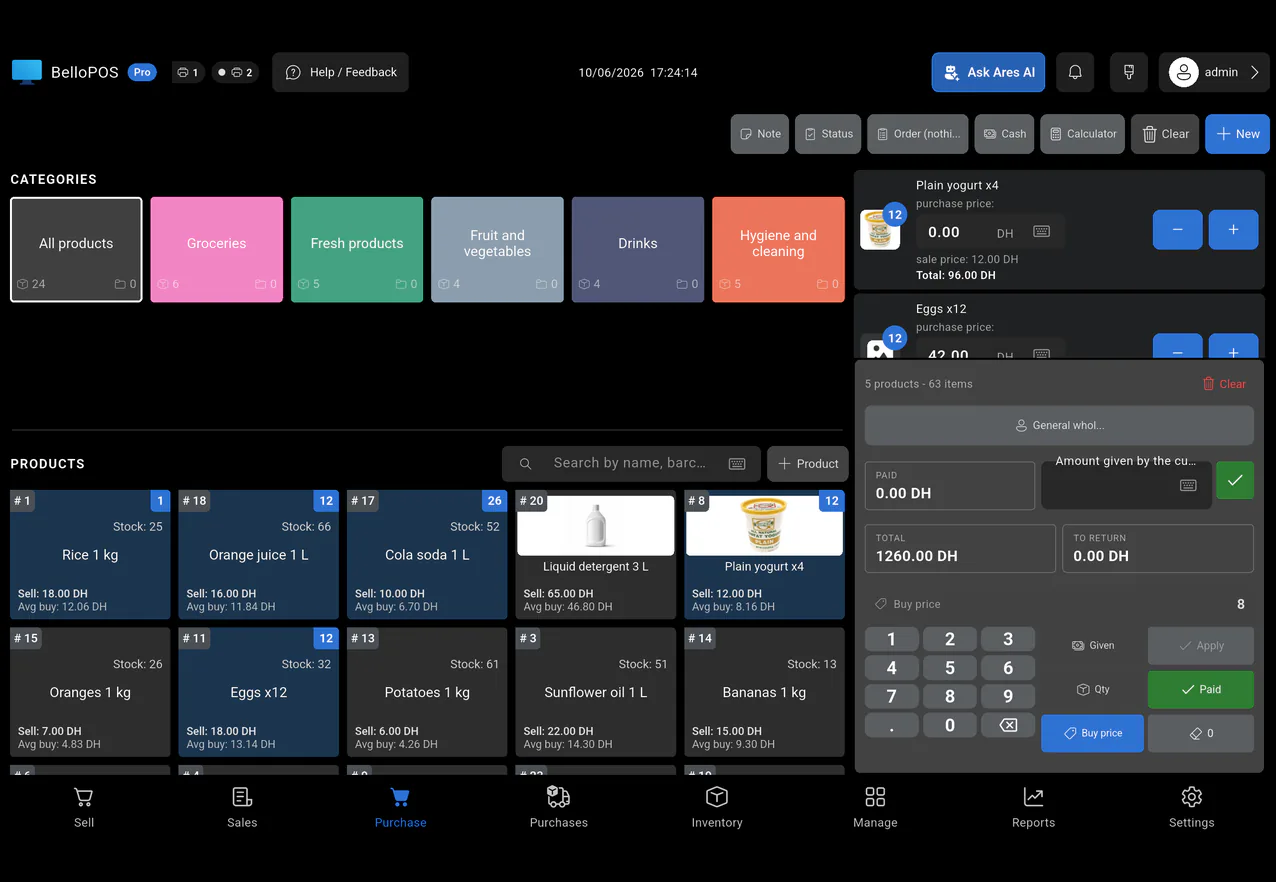
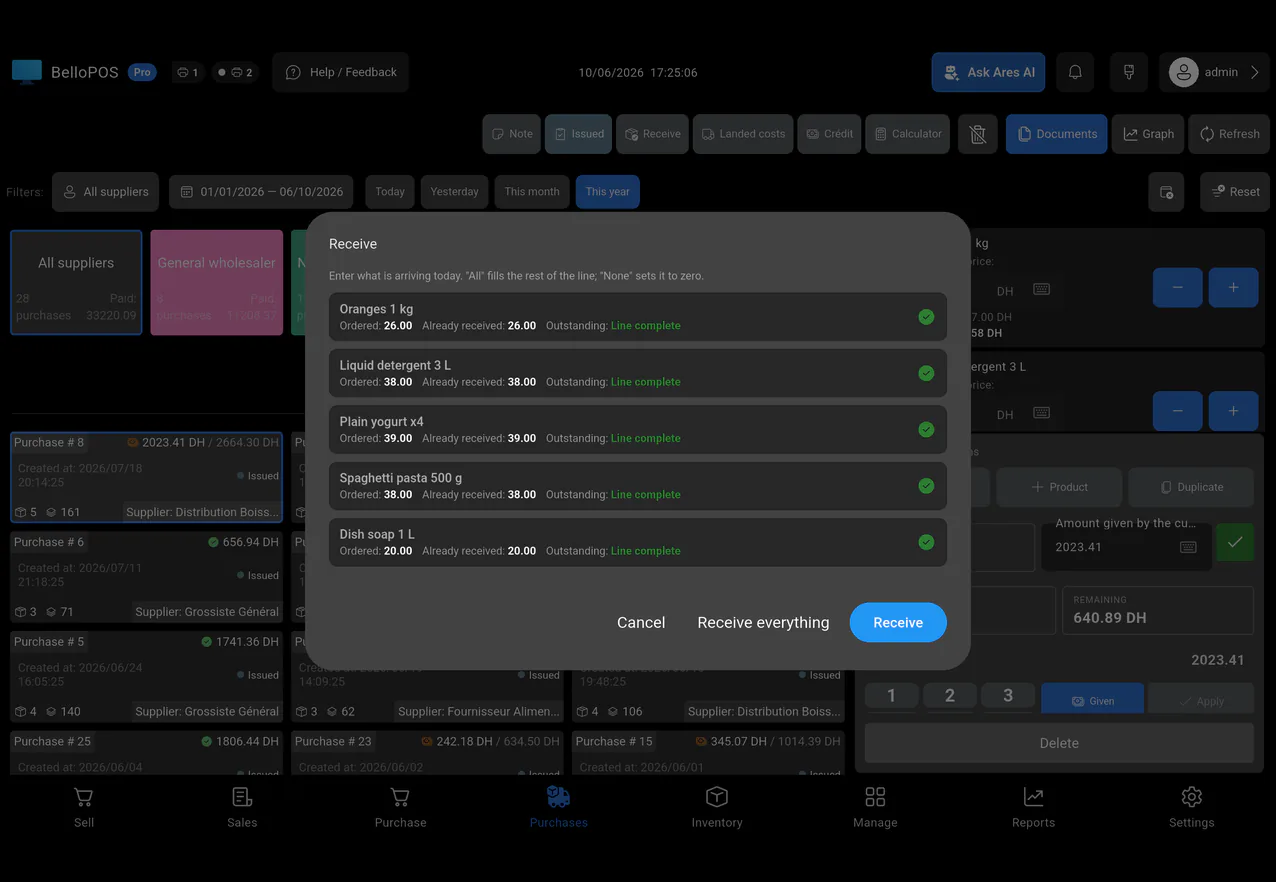
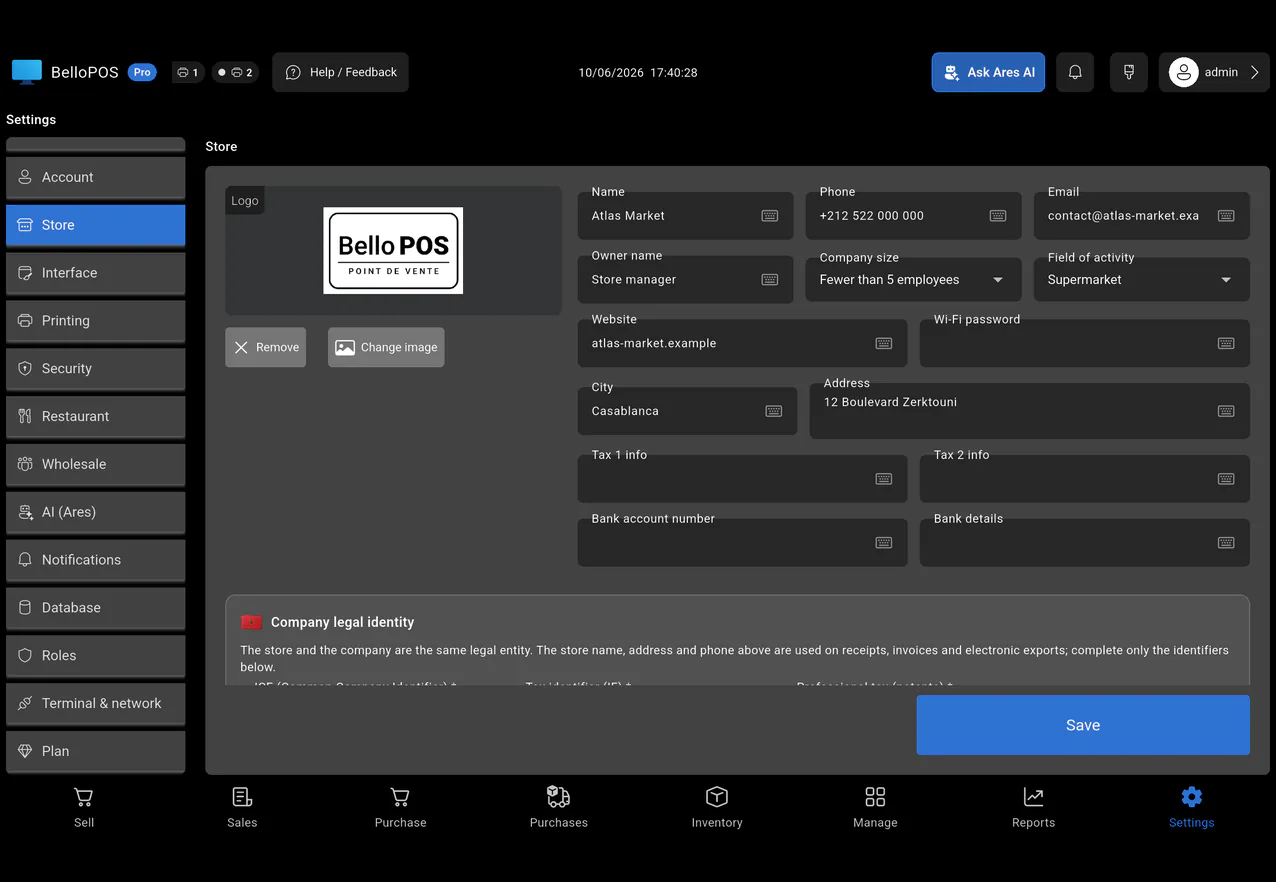
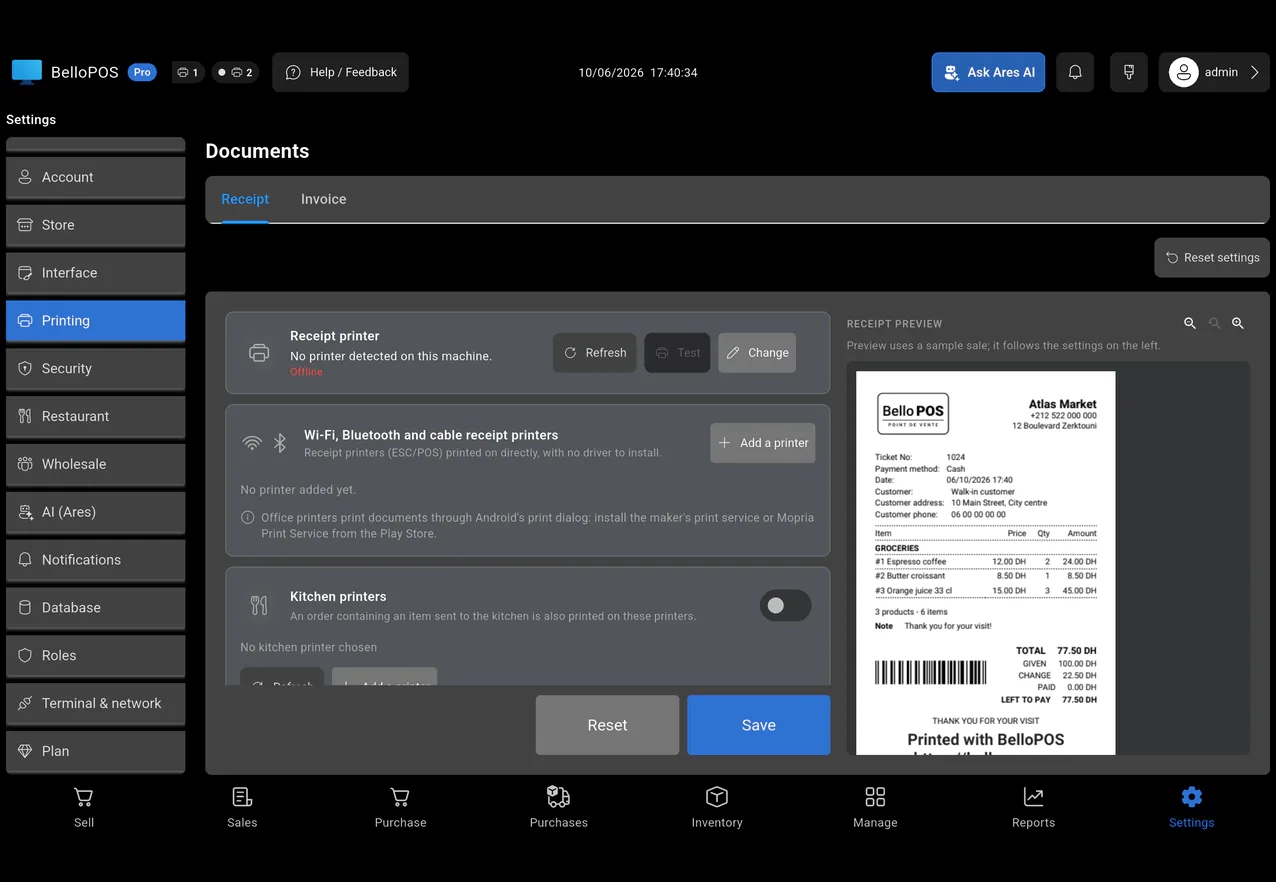
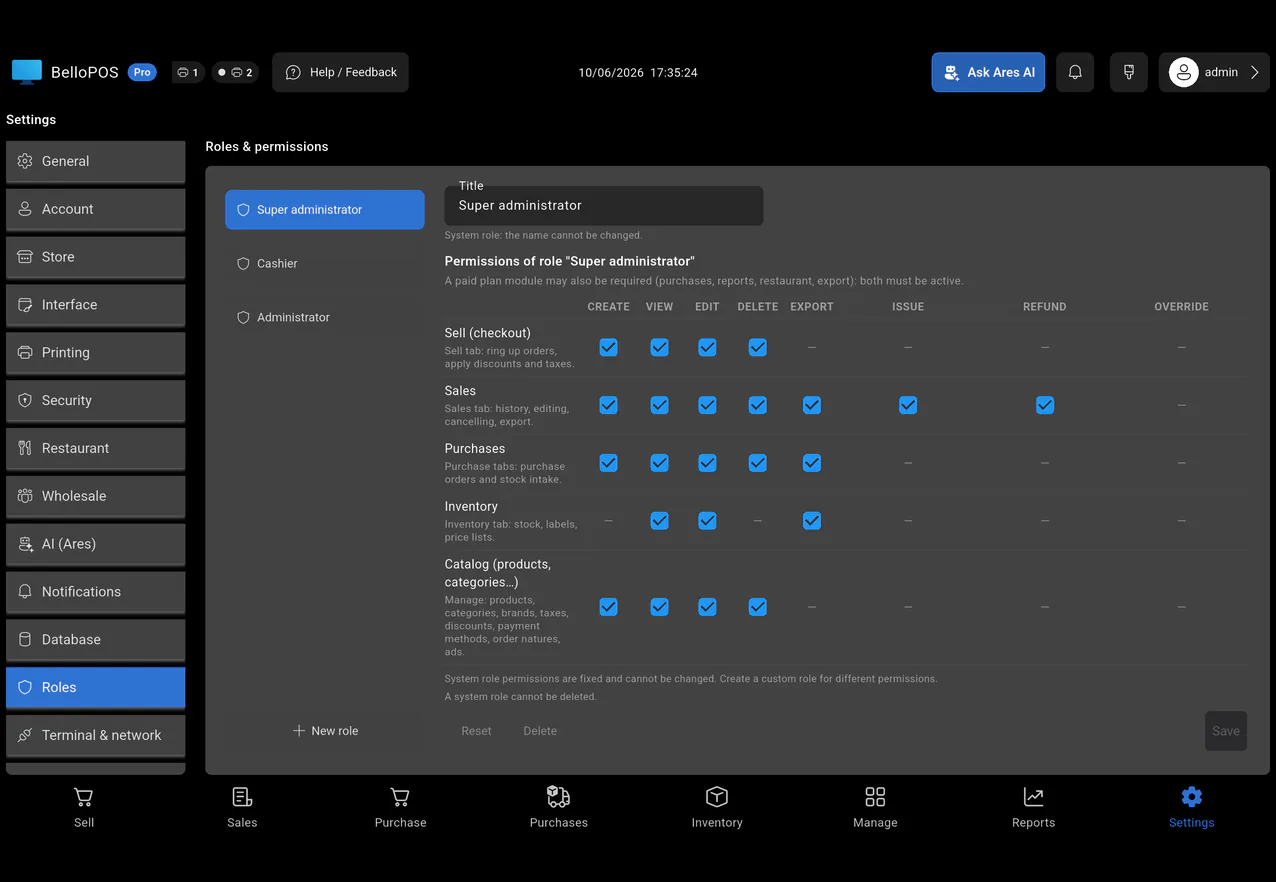
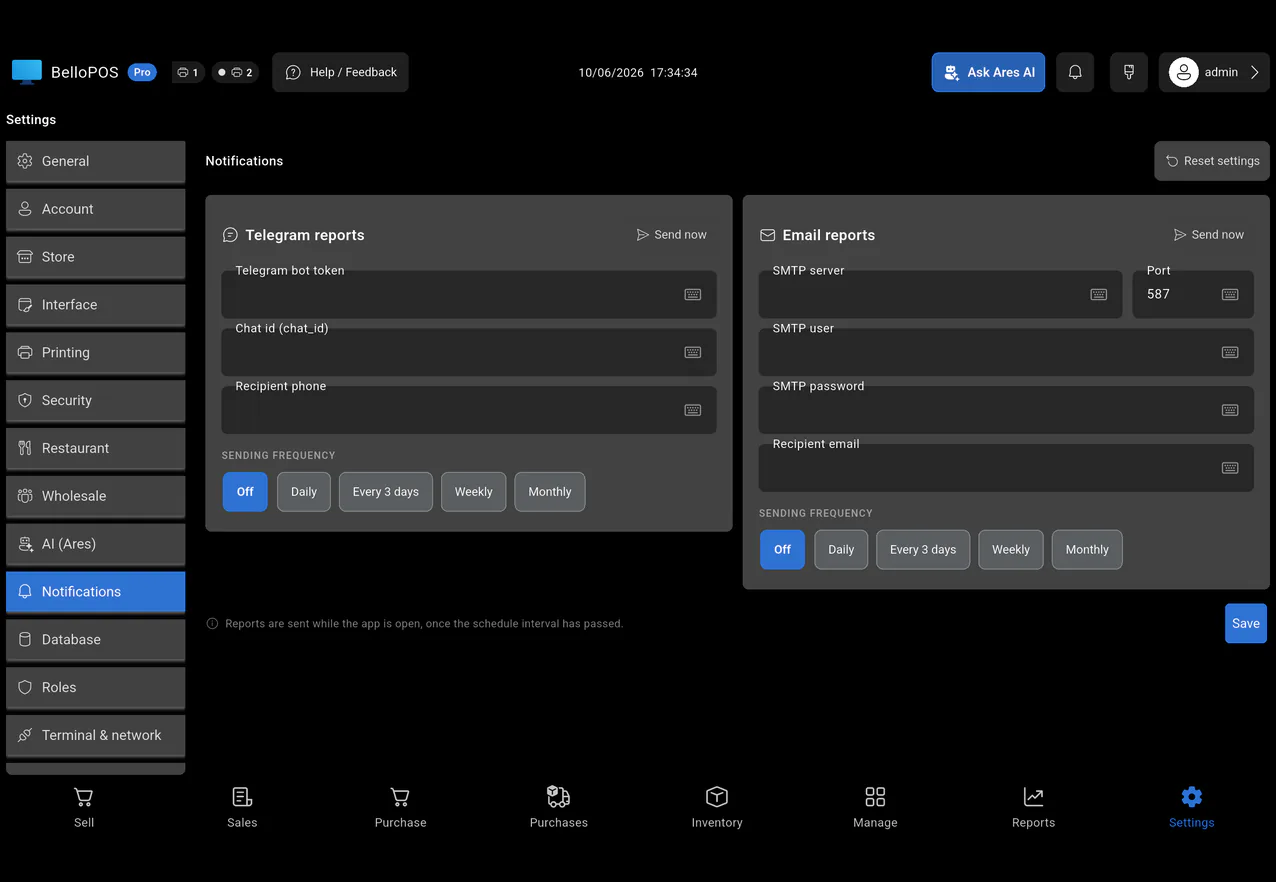
Every sector
BelloPOS bends to the way each trade actually works, from the kitchen pass to the parts counter. Fifteen sectors, each with its own ready-made demo catalogue. Find yours below.
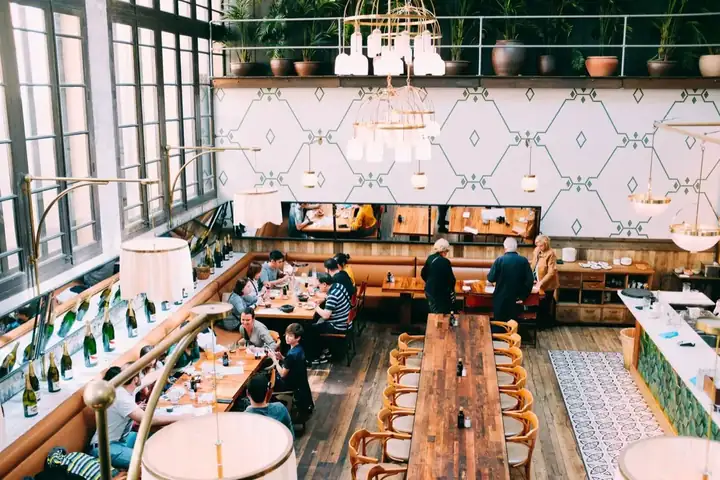
Tables, the kitchen pass and fast service.
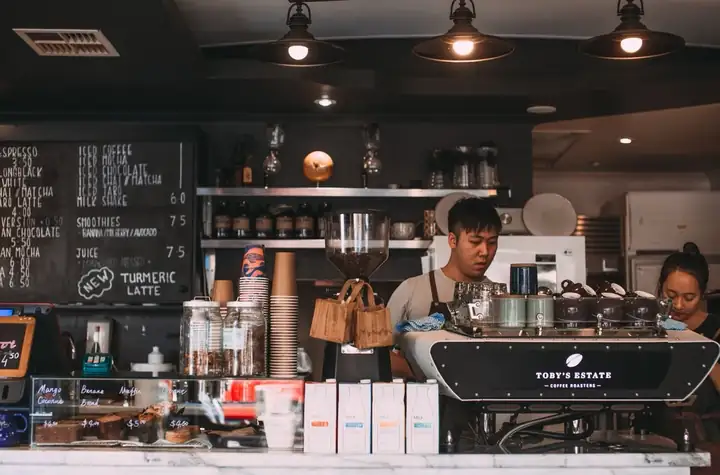
Quick orders, the counter and the terrace.
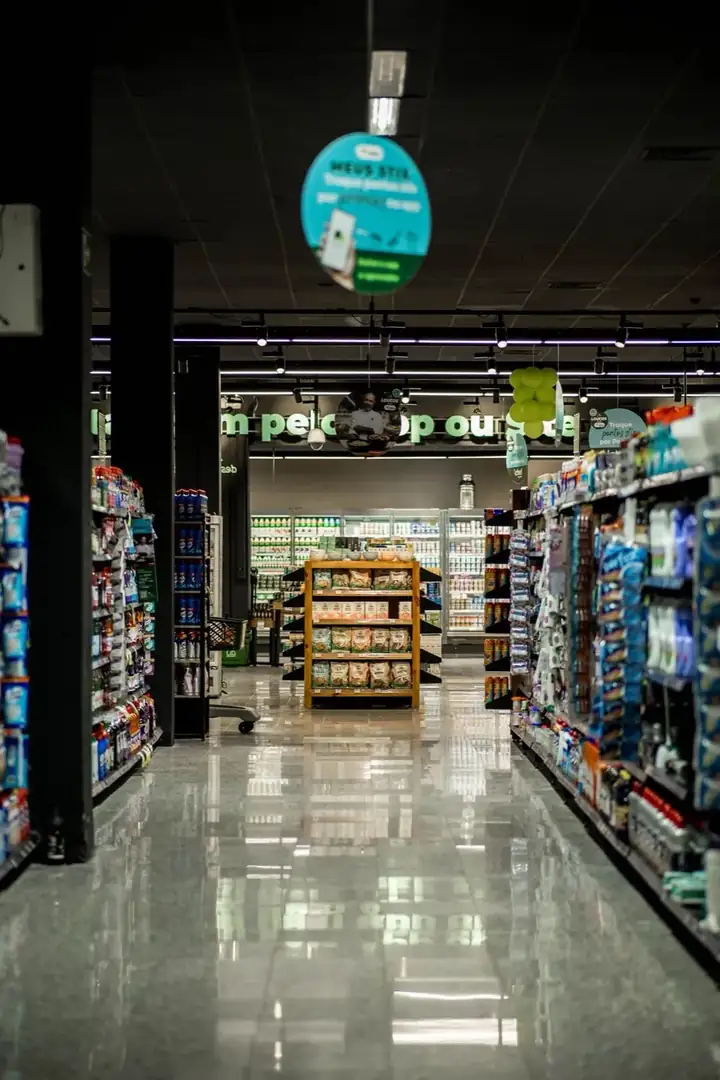
Barcodes, stock and busy checkouts.
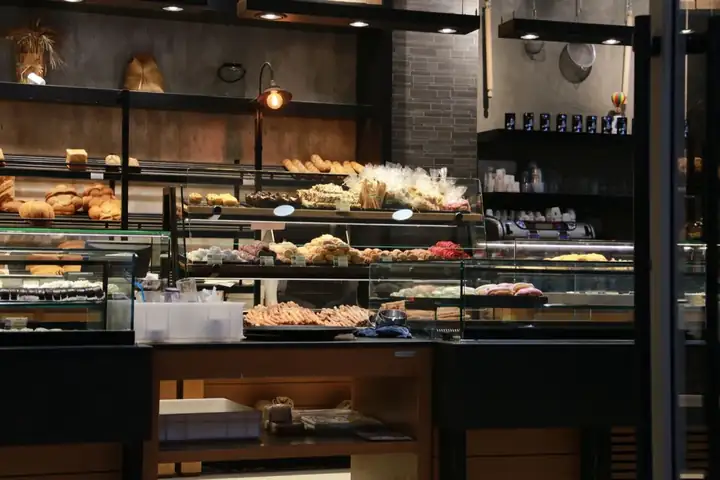
Weigh, sell and keep up with fresh batches.

Sizes, variants and seasonal collections.
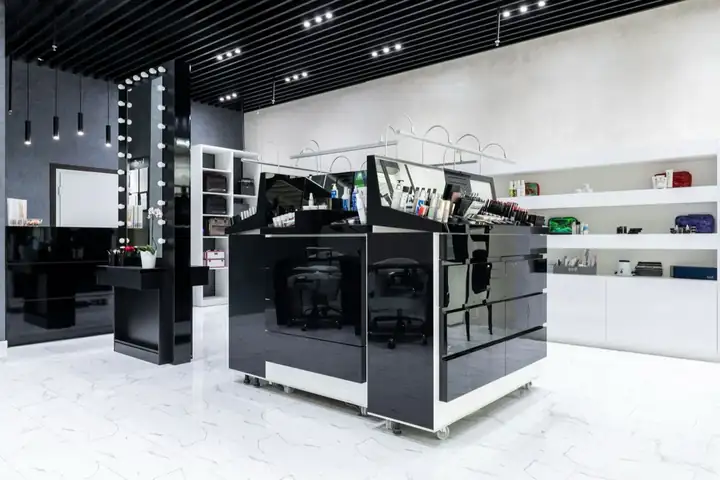
Brands, testers and loyal customers.
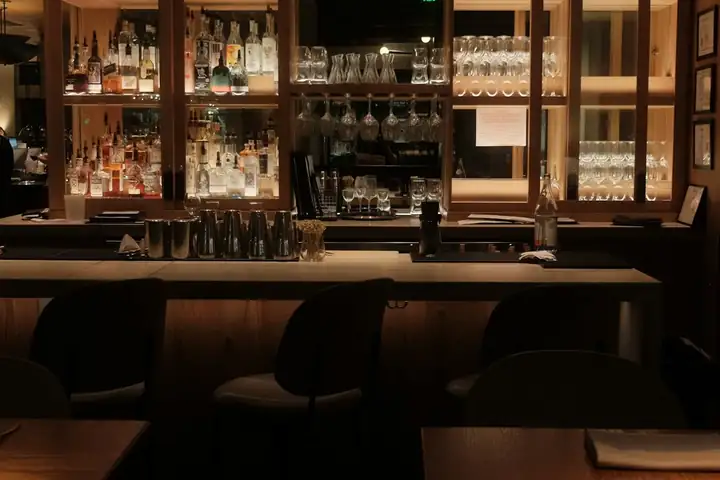
Rounds, tabs and a busy counter.
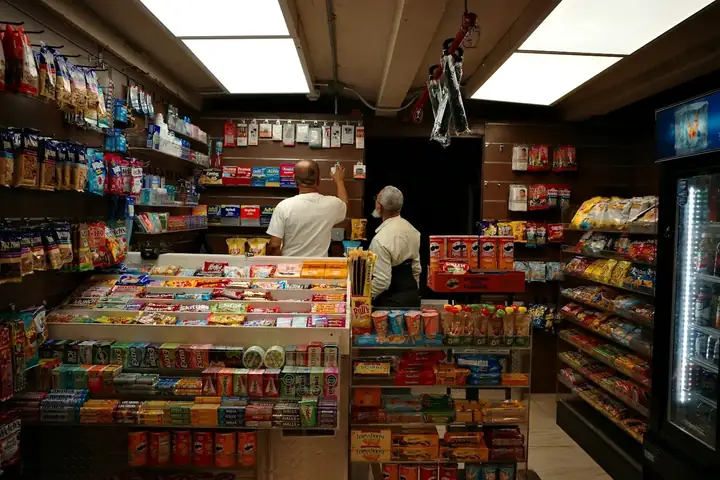
Snacks, drinks and everyday goods.
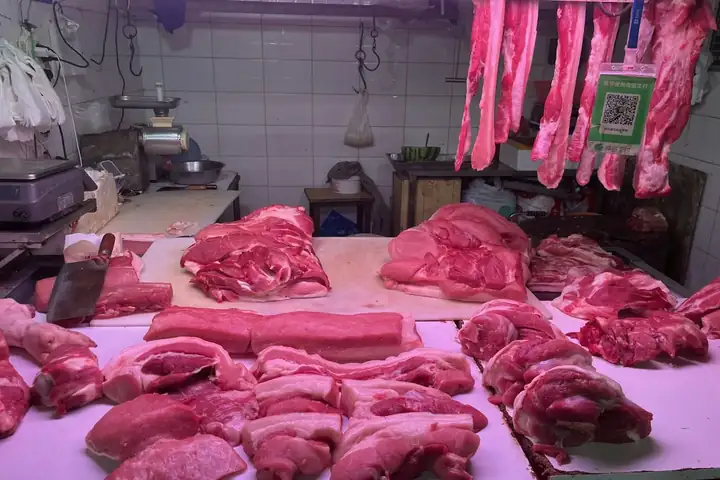
Sold by weight, cut by cut.
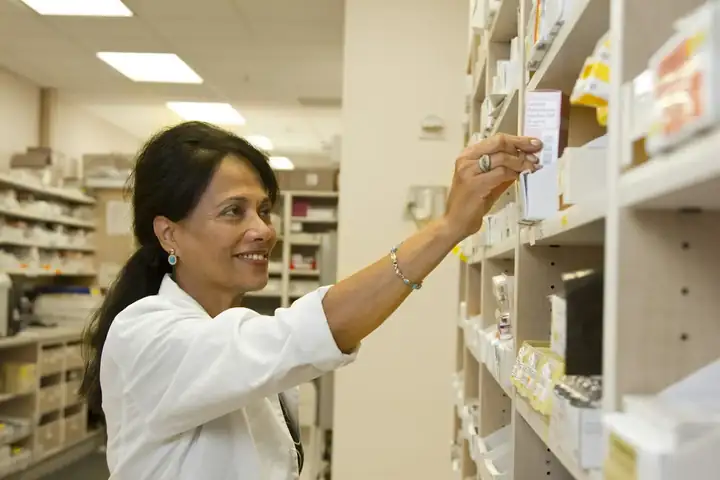
Dermo-cosmetics, baby care and supplements.

Back-to-school rush, item by item.
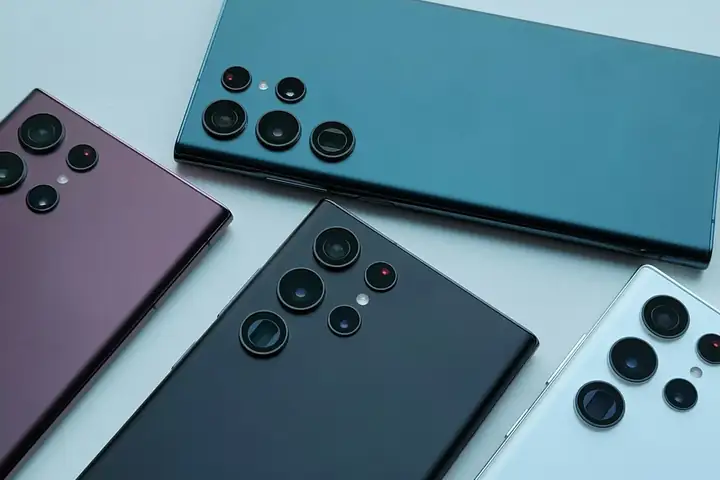
Phones, accessories and high-value tickets.
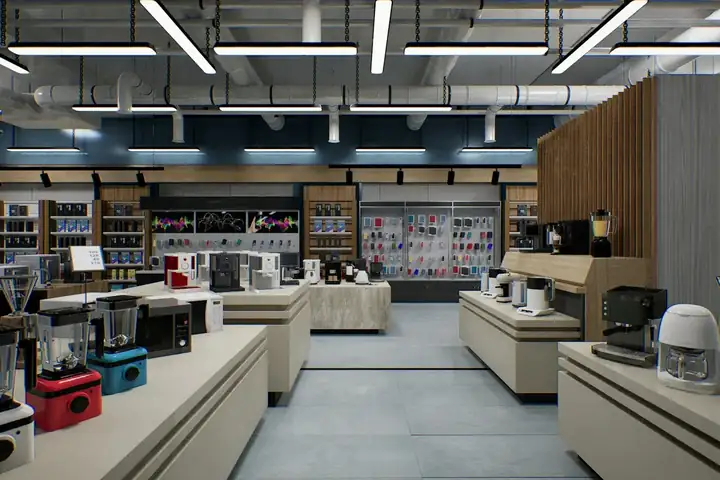
High-value sales, deposits and deliveries.

Showroom sales, deposits and orders.
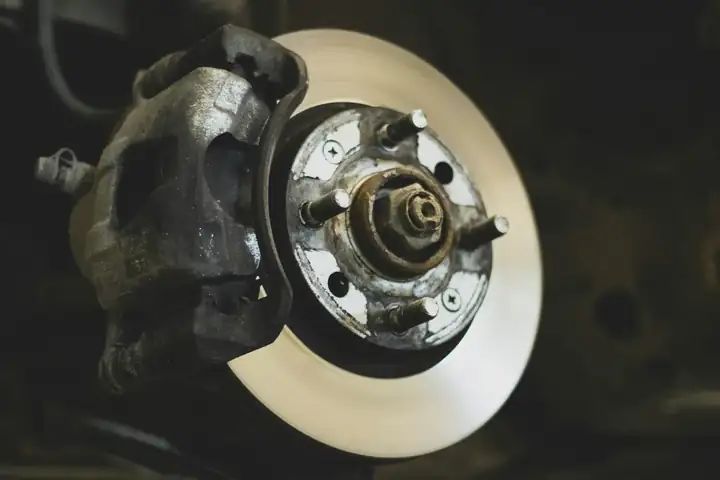
Thousands of references, found in seconds.
Also made for
Sell, count stock, let customers pay later, make invoices and more. See which plan has each tool.
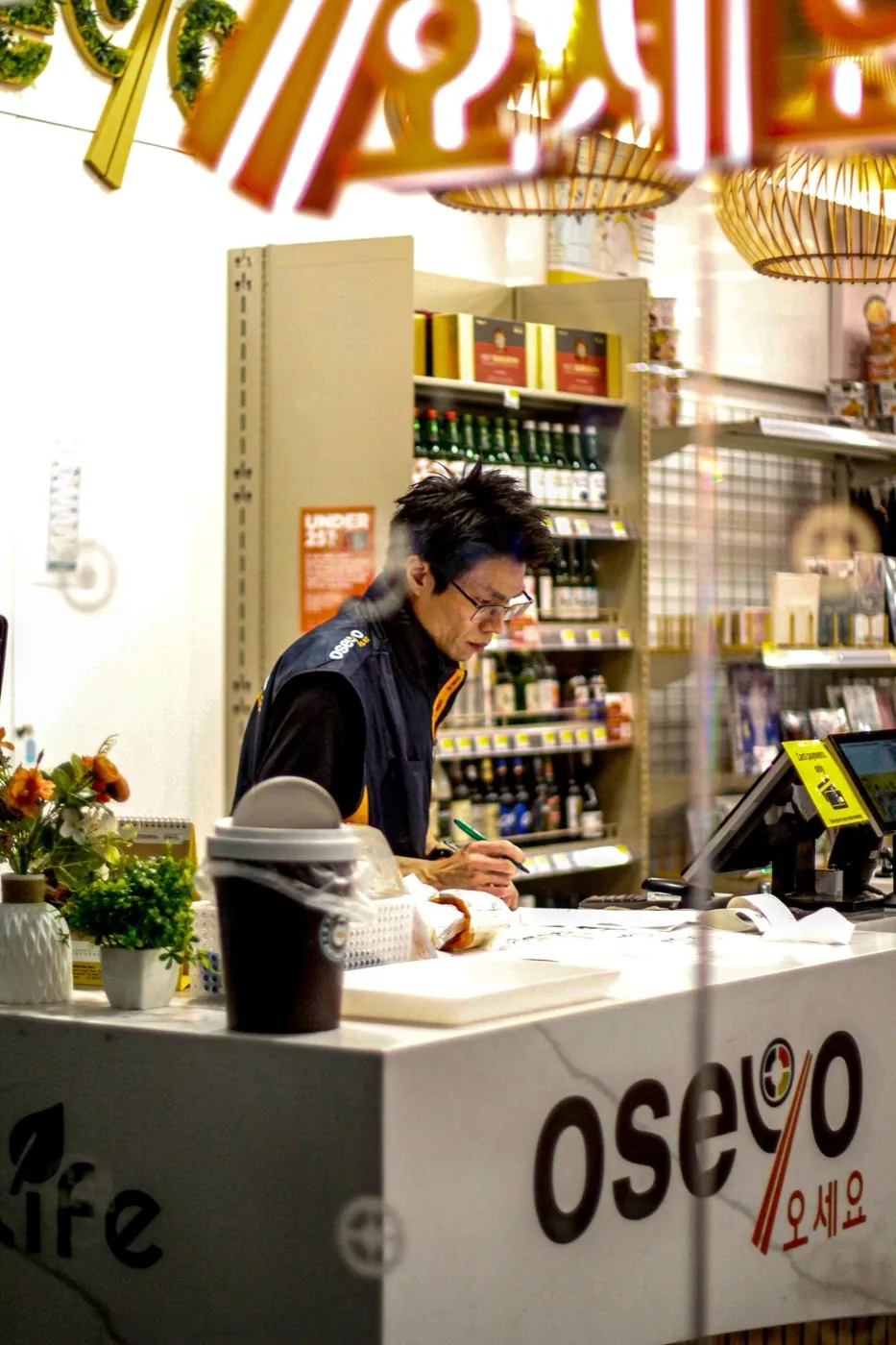
You do not need internet to sell.
Read more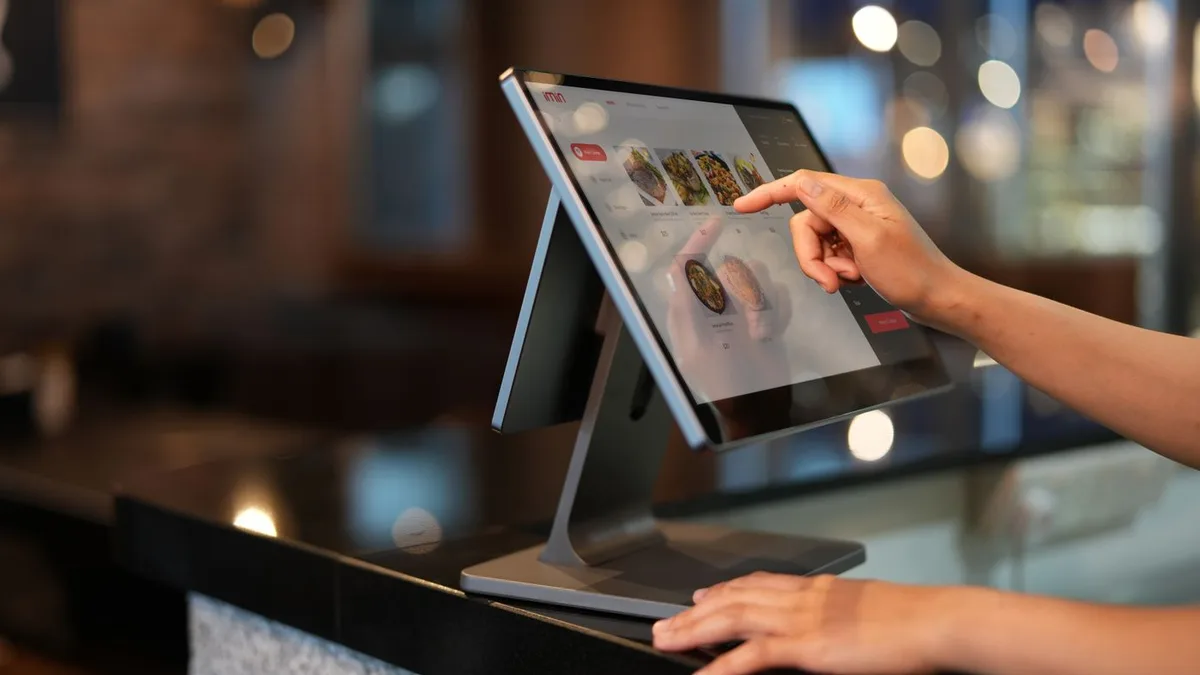
Add items, add tax and take payment.
Read more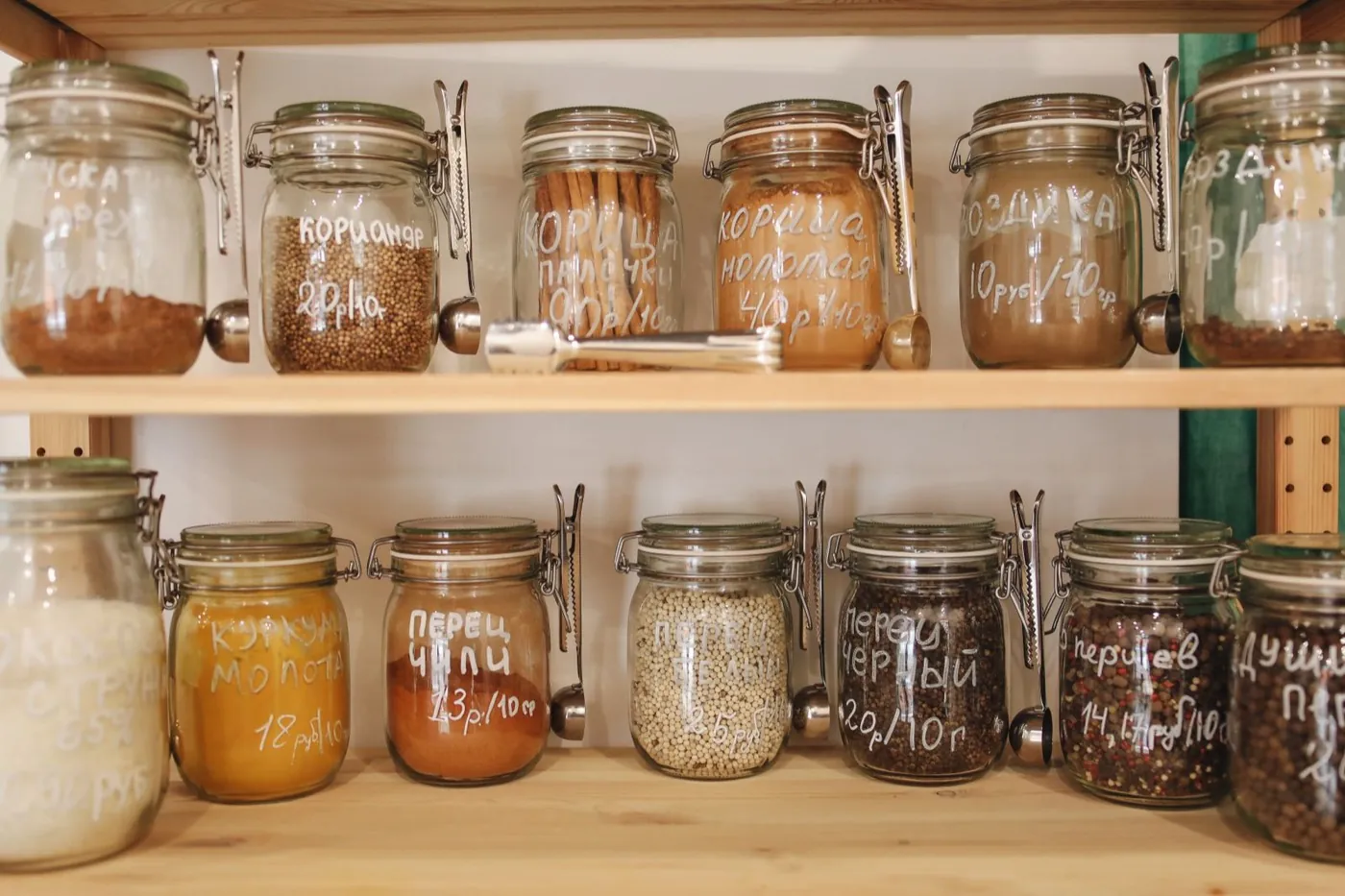
Know how much stock you have. Print barcode labels.
Read moreGo (Included from BelloPOS Go)Sizes, colours and other options on one product, with a price for each variant.
Read more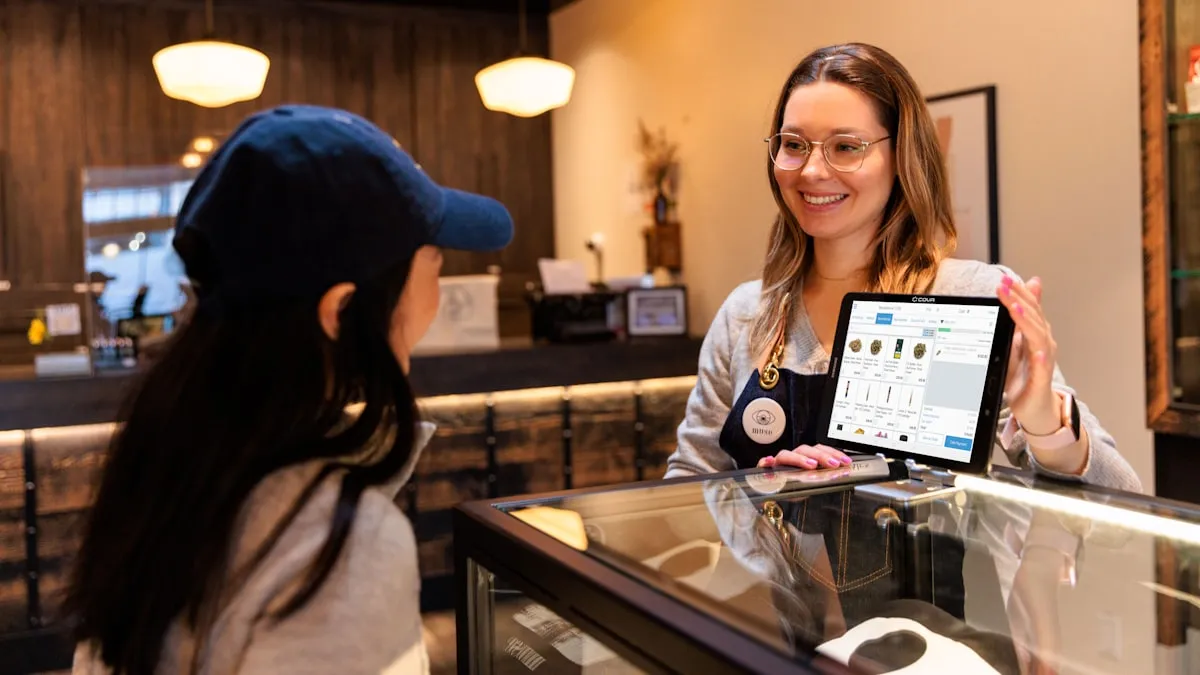 Go (Included from BelloPOS Go)
Let customers buy now and pay later. Set a limit and see what each one owes.
Read more
Give a discount on a line or on the whole sale.
Read more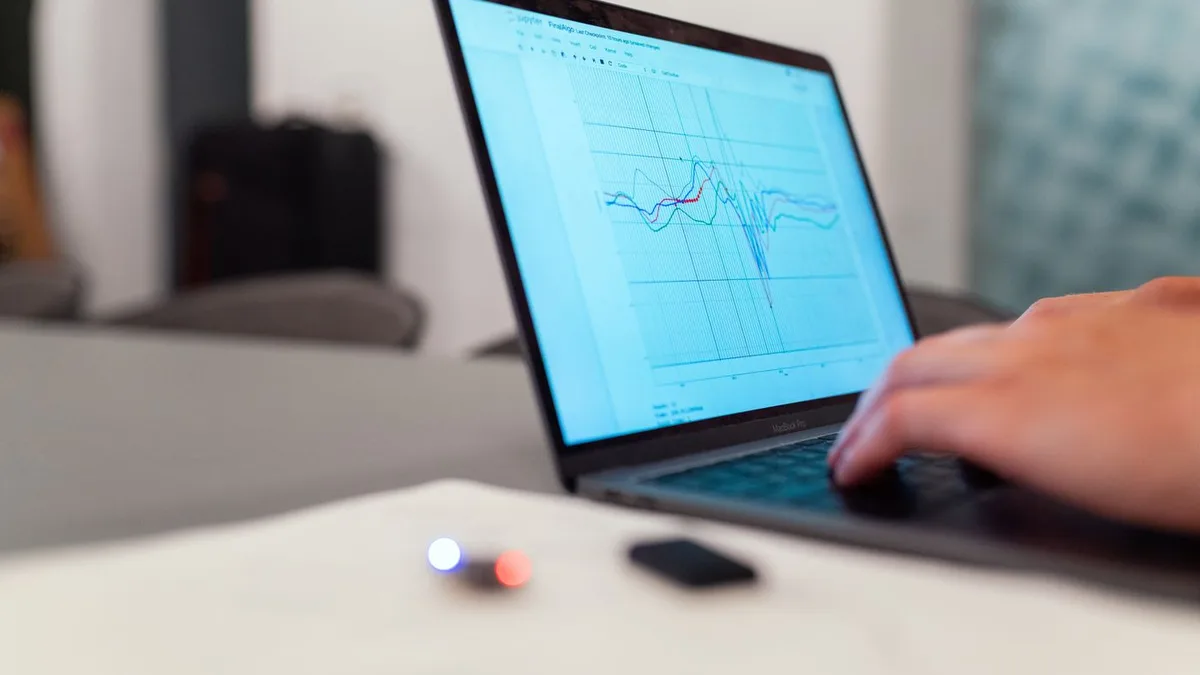 Go (Included from BelloPOS Go)
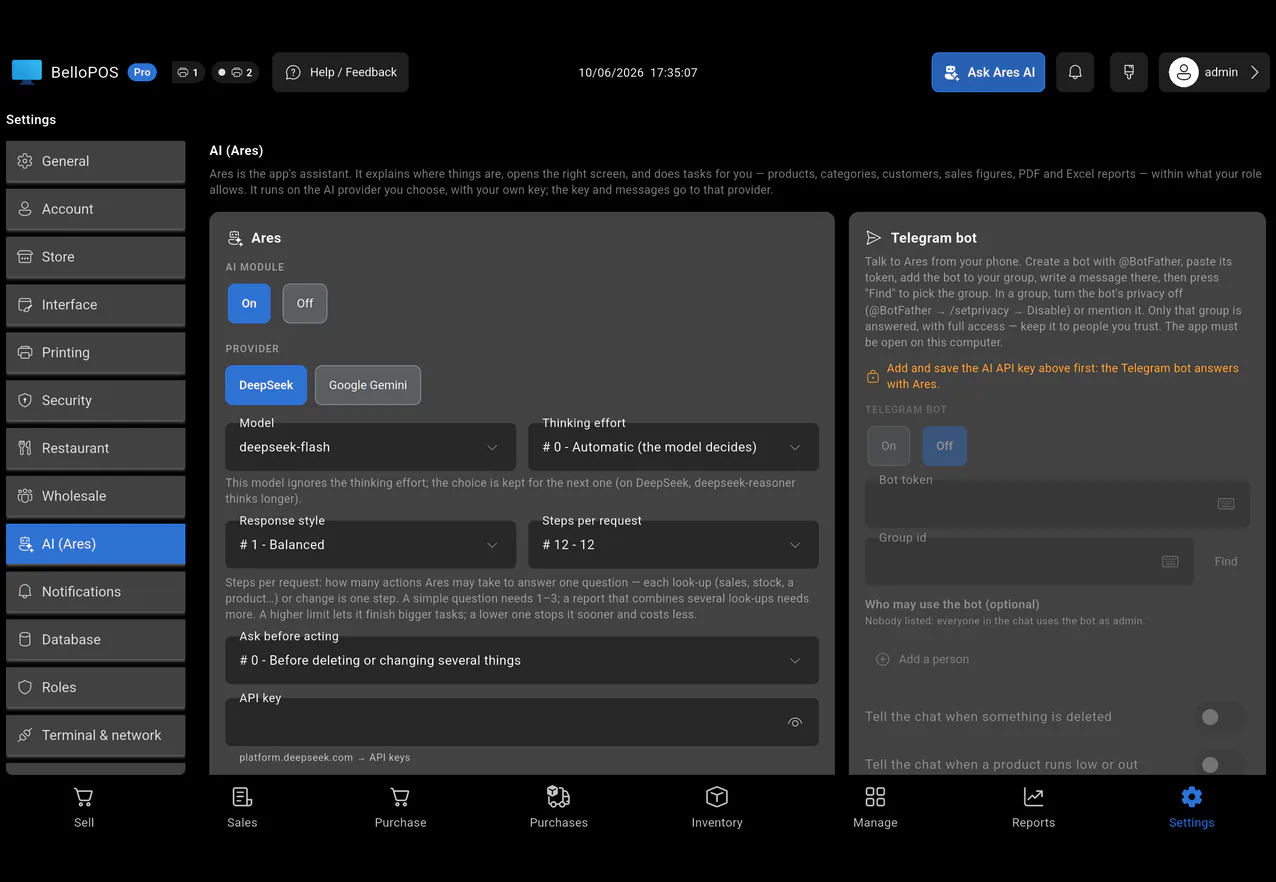
Ask in plain words. Ares adds products, finds sales and builds reports, in the app or on Telegram. It uses your own Gemini or DeepSeek key.
Read more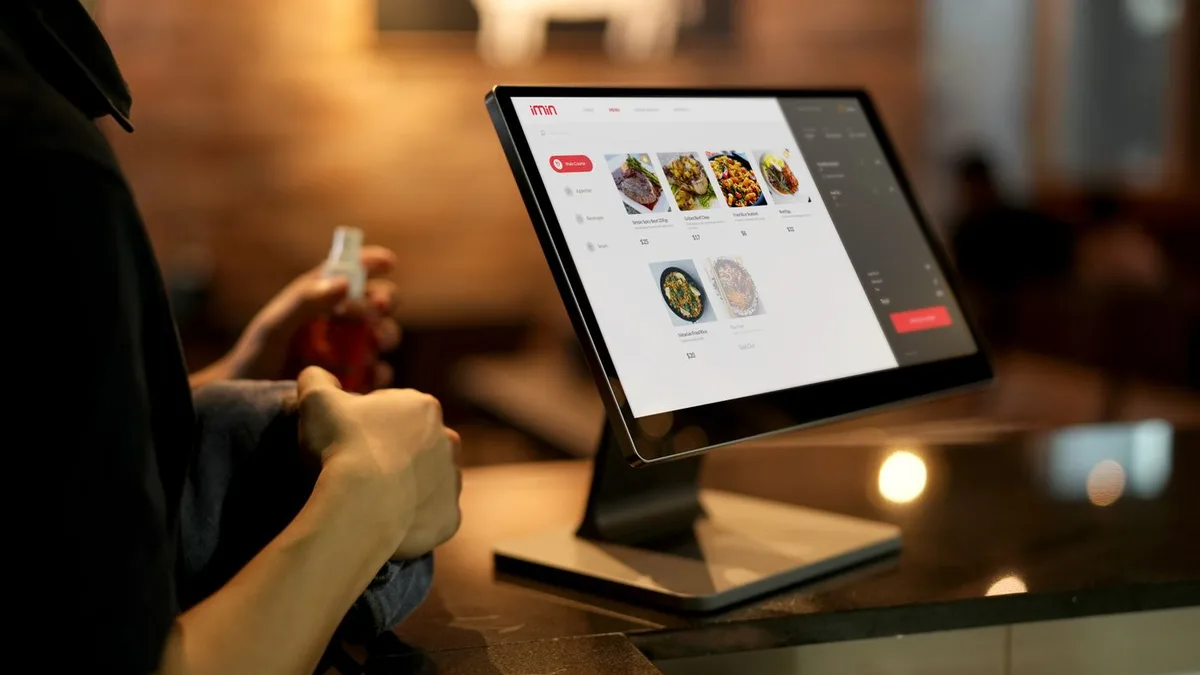
Your customer sees what they are buying on a second screen.
Read moreGo (Included from BelloPOS Go)See your sales, your profit and your best products.
Read moreGo (Included from BelloPOS Go)Record rent, bills and other running costs by day or month, in your own categories, with charts and export to CSV, Excel or PDF.
Read more Go (Included from BelloPOS Go)
Pay your staff by day or month, bonuses included, with each employee's history and export to CSV, Excel or PDF.
Read more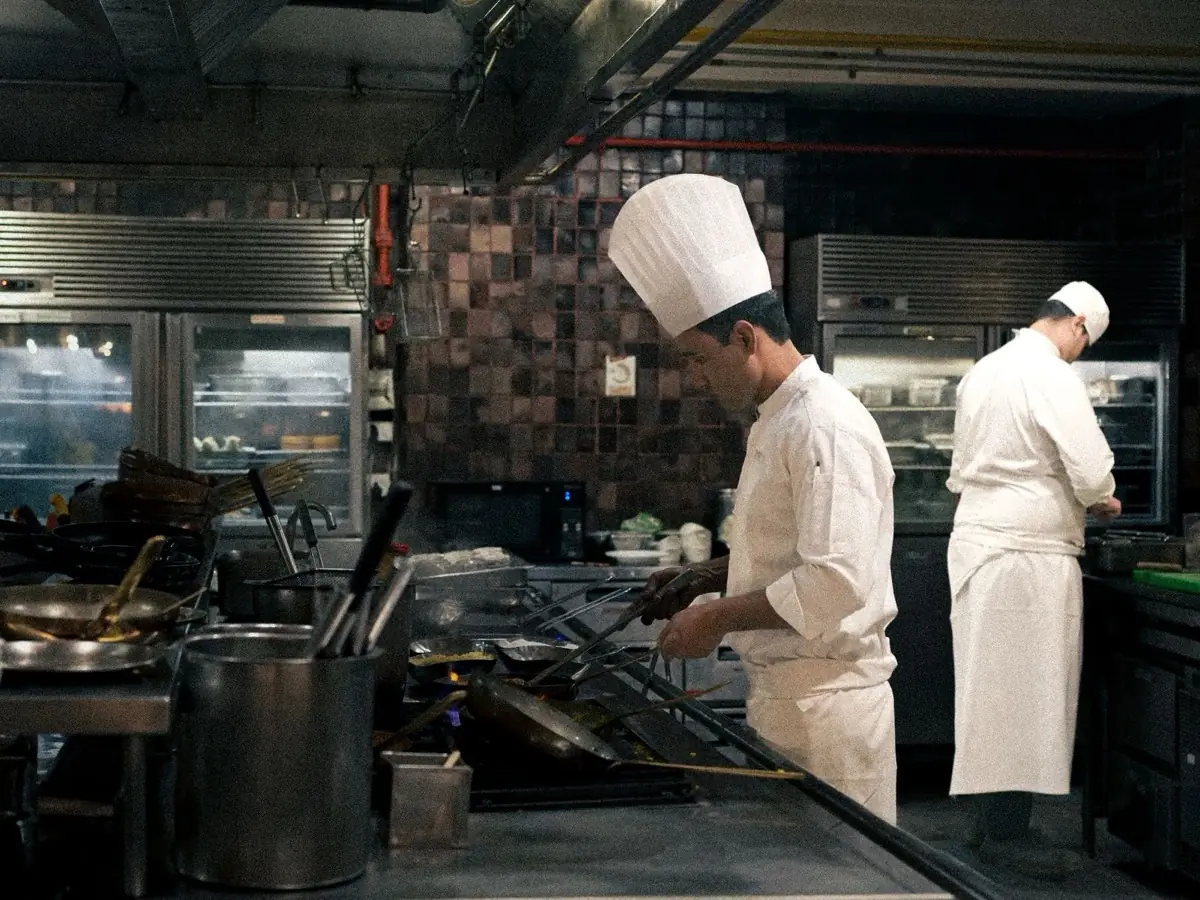 Pro (Included in BelloPOS Pro)
Draw your rooms and tables, and send orders to the kitchen.
Read more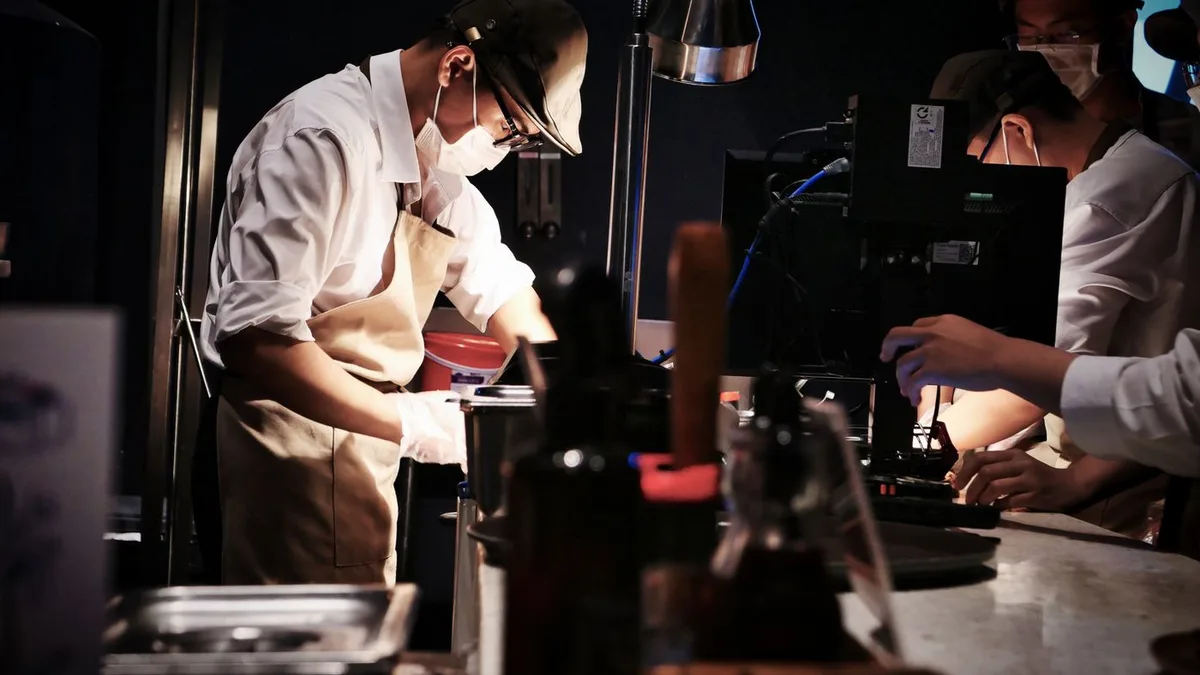 Pro (Included in BelloPOS Pro)
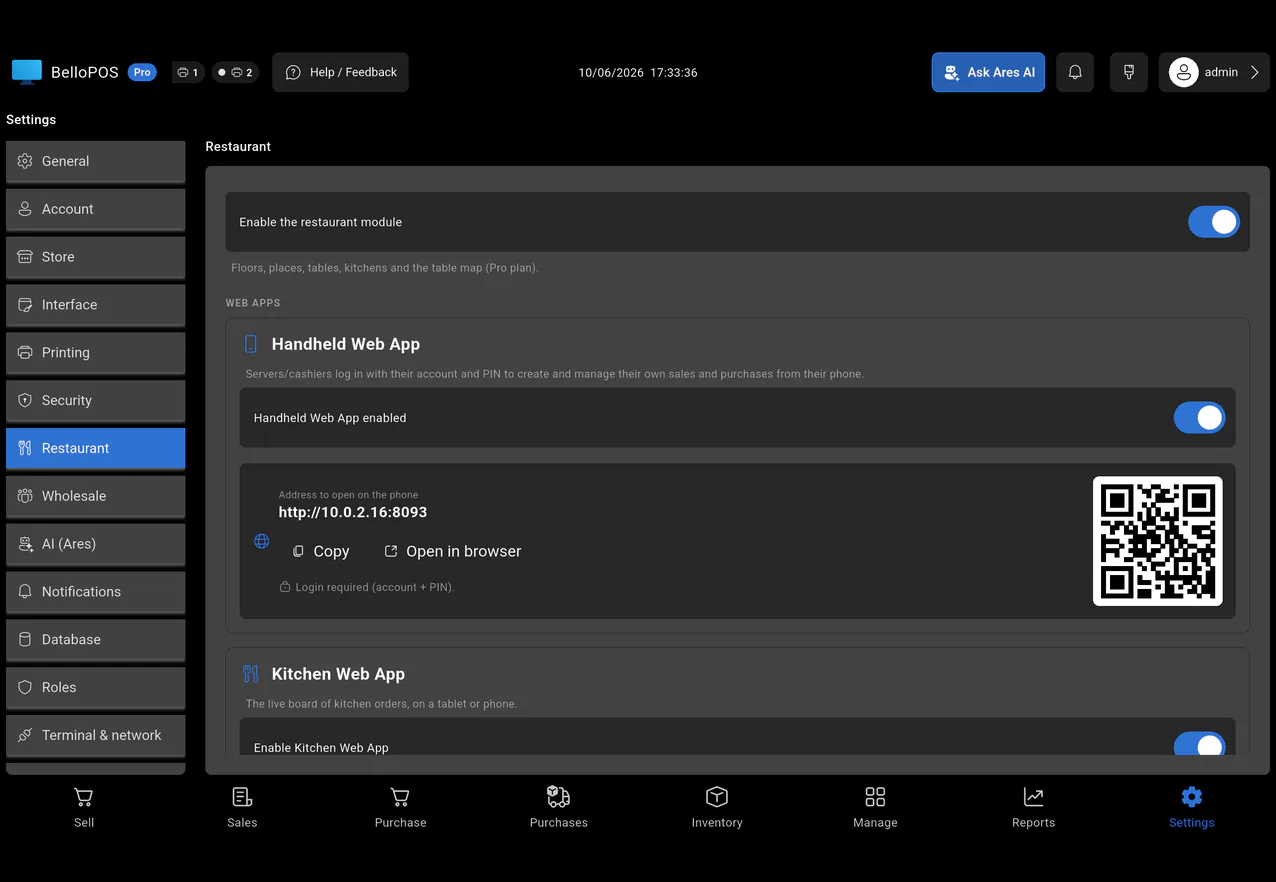
The kitchen sees new orders on a phone or tablet.
Read morePro (Included in BelloPOS Pro)Take orders, and repair tickets with Services, on a phone. It uses the same data as your till.
Read morePro (Included in BelloPOS Pro)Use many tills in one shop. One main PC keeps all the data.
Read more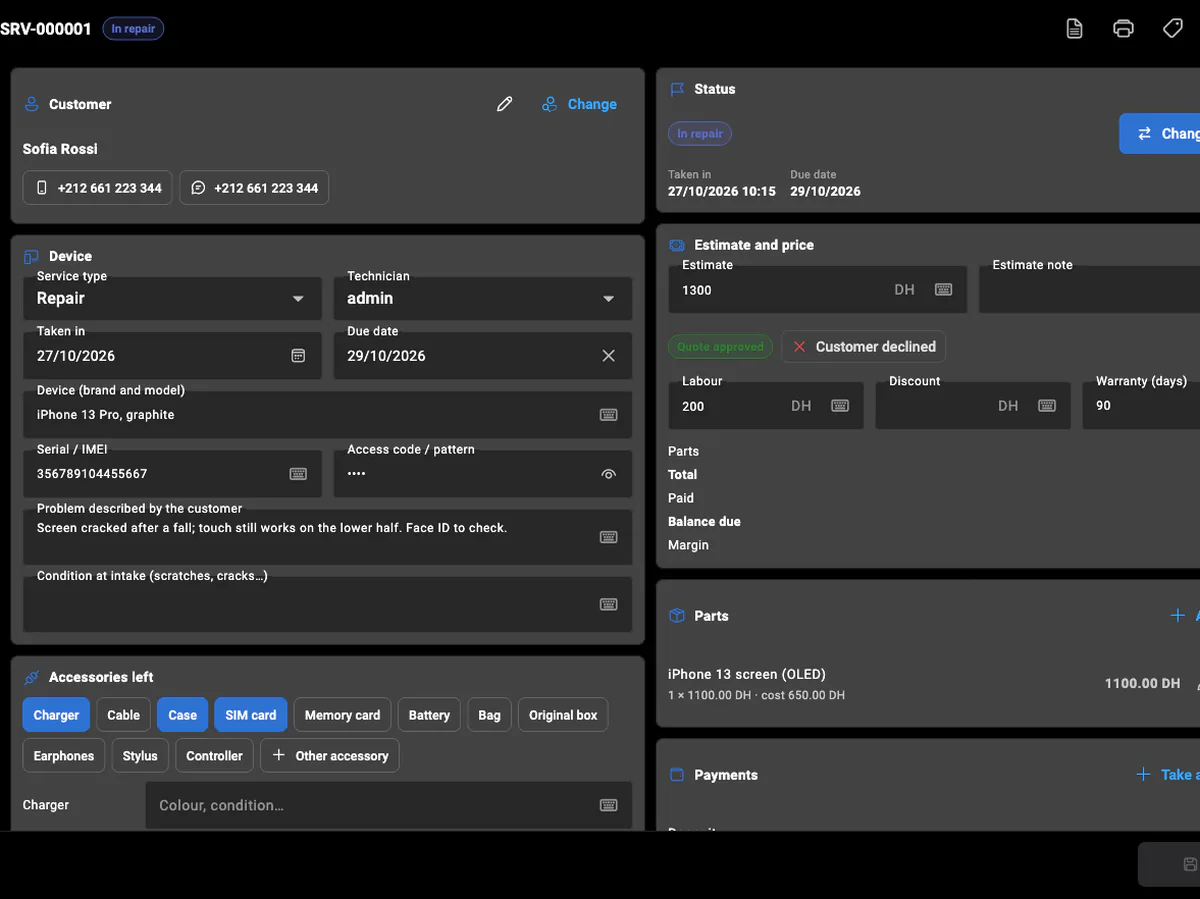 Pro (Included in BelloPOS Pro)
Repairs, bookings and on-site jobs for 19 service trades — phone repair, garages, laundries, salons, plumbers and more — with statuses, quotes, parts, payments, warranty and printed tickets.
Read moreAres AI, built in
Ask Ares in plain words, by text or voice, on the till or on Telegram from your phone. It answers in seconds, and it does the work for you.
Included in Go, Pro and Pro+. Ares needs internet and runs on your own DeepSeek or Gemini AI key, which usually costs a few cents a day. With Pro and Pro+, we connect it for you.
Ares
Online, on your till
How much did I sell today?
Today: 87 sales, 4,230.00 in total. Best seller: Coca-Cola 33cl, 64 sold. 3 products are running low.
Add 24 Fanta 33cl at 7.00 in Drinks
Done. Fanta 33cl is in Drinks: price 7.00, stock 24.
Send me this month's sales by day as a PDF
Here is your report:
sales-by-day.pdfSales today or this month, best sellers, stock value, low stock, who owes you money, what each cashier did.
Ares adds and edits products, prices and customers, fixes stock, rings up a sale and prints it. You just ask.
Type or send a voice note. Ares understands typos and mixed languages, like French, Arabic, Darija and English, and answers in yours.
On Telegram, ask from anywhere. Get reports, alerts when stock runs low or a sale is deleted, and send product photos straight to your catalog.
Any report as PDF, Excel or CSV, without opening a single menu.
Ares only does what each user is allowed to do, and asks before deleting or changing many things at once.
Your tills, your waiters' phones and the kitchen screen all work on a single database that sits in your shop, not in the cloud, not on someone else's server.
One computer holds the database: products, stock, prices, sales and staff. It is the machine that stays on, and everything else simply connects to it.
Your local network · no internet needed
Extra checkout stations join over your own network, by cable or Wi-Fi. A sale rung up on one till shows on all of them straight away, and the stock count follows.
Your waiter takes the order at the table from a phone browser. Nothing to install, no app store, and nothing to type again at the counter.
Orders appear in the kitchen the moment they are sent, on any phone or tablet browser. No paper tickets, no slips lost between the room and the pass.
The database is on your own PC. If the internet drops, and it does, the tills, the phones and the kitchen keep working.
Take Pro as a lifetime licence: no fee per till, no yearly renewal, no bill that grows with your turnover. Prefer monthly? Buy a key only for the months you need.
Start with one till today. Add a second station, the waiters' phones and the kitchen screen when the business is ready: same app, same data.
Multi-terminal, the handheld app and the kitchen app are included in the Pro licence.
See BelloPOS ProTrusted by 300+ stores
What store owners told us after switching to BelloPOS.
Even when the internet drops, BelloPOS keeps selling and printing receipts. Our counter never stops, and that is exactly what I needed.
I installed it myself in one afternoon. The barcode scanner and the receipt printer worked straight away, no technician needed.
Paying once instead of every month made the choice easy. And the free updates keep bringing features we actually use.
Now I know exactly what is in stock and which customers still owe me money. It saves me time every single day.
Works 100% offline
Pay once, sell forever — or go monthly, no commitment. Pro and Pro+ come with free setup done for you.
BelloPOS runs on a Windows computer or a Mac. Open the link there.
No card. No registration. Download it and start selling in minutes: everything runs offline, on your own computer.
Free download for Windows · checking the latest release… · works offline
Want more? Turn on every Pro feature free for 7 days, right inside the app.
Using BelloPOS in {country}BelloPOS is your app for tracking sales, stock, customers and Ares AI. It is not a certified cash register ({cert}): if you take payments from consumers, keep your certified till for the receipts and run everything else from BelloPOS.
For a shop with one till
Pay for as many months as you need · upgrade to lifetime anytime
You save ₹4,260(16% off)
That's ₹1,775 a month, paid once for 12 months
14-day grace period after each paid period · no automatic renewal
Pays for itself in 14 months compared with a typical ₹2,720/month POS.
Buy now14-day money-back guarantee
Restaurants, service businesses and shops with many tills
Pay for as many months as you need · upgrade to lifetime anytime
You save ₹7,490(16% off)
That's ₹3,106 a month, paid once for 12 months
14-day grace period after each paid period · no automatic renewal
Pays for itself in 15 months compared with a typical ₹4,890/month POS.
Buy now14-day money-back guarantee
Ready-to-Sell Pack, included free
Done for you: we set up everything
Pay for as many months as you need · upgrade to lifetime anytime
You save ₹9,560(16% off)
That's ₹3,993 a month, paid once for 12 months
14-day grace period after each paid period · no automatic renewal
or 2 × ₹50,320, interest-free
Buy now14-day money-back guarantee
Ready-to-Sell Pack, included free
Secure payment, powered by
Every purchase comes with an invoice from BelloCloud LLC & Rankaya Media LLC (USA). Prices exclude VAT: EU businesses pay no VAT to us and declare it themselves (reverse charge).
Zero risk
We take the risk, so you don't have to.
14
days
Bought a plan and it is not right for you? Tell us within 14 days and get all your money back.
Read the refund policyDownload free and turn on the trial in the app. No card, nothing to pay.
Go, Pro and Pro+ are also sold by the month, and Pro+ can be paid in 2 interest-free payments. Just ask us on WhatsApp.
Buy the lifetime licence and it is yours. Your data stays on your own PC, and you can copy it to a USB stick any time.
What each module does, the screens it uses, and the questions merchants ask about it.
The till screen your staff will actually use: one tap per item, one second per payment, and nothing waiting on a connection.
Every sale and every delivery moves the count, so what the screen says is what is actually on the shelf.
Any scanner works out of the box, and anything without a barcode gets one you print yourself.
A thermal ticket for the queue, a proper PDF invoice for the customer who asks, both out of the same sale.
Know who is in front of you, what they bought last time, and the details their next invoice needs.
Set the limit before the sale, follow every debit and payment, and hand the customer a statement that adds up.
Record what arrived and what you paid, then let stock, cost prices and supplier history update together.
What sold, what earned, who sold it and what to order next, without exporting anything to a spreadsheet.
The floor, the pass and the bill on one system, still running when the line goes down mid service.
A phone left for repair, a haircut booked for 10 o'clock, a leak to fix at a customer's: one ticket per job, one number, nothing lost.
Not an offline mode that catches up later: the software simply runs where your shop is.
One PC holds the data, the other terminals talk to it over your own network, and nothing leaves the building.
Everyone gets their own login, each role gets exactly the buttons it should have, and the history says who did what.
Most counters in India run on three things: a quick bill, a UPI QR stuck to the glass, and a khata book for regulars who pay at the end of the month. BelloPOS puts all three on one screen. Scan or tap items, and the price comes from the product record. Mark the payment as cash, UPI or card, or put the bill on the customer's account. Everything is saved on your own computer, so a slow broadband line in Pune or a fibre cut in Hyderabad never stops billing. The free Lite plan covers the whole counter for as long as you like.
As the business grows, the software grows with it. BelloPOS Go adds sales export to PDF, a proper udhaar ledger with credit limits, wholesale price groups for trade buyers and backups. Pro adds a restaurant module with tables and kitchen printing, extra billing counters and a handheld app for staff on the floor. Pro and Pro+ include a done-for-you remote setup: we add your products and train your team. Plans are sold once for life, by the month or by the year, priced in rupees, with a 7-day free trial and a 14-day money-back guarantee.
GST law sets out what a tax invoice or bill of supply must show. Here is a plain summary of the main points, with links to the official sources, and an honest note on where BelloPOS helps and where it does not.
Under the CGST Rules, a tax invoice shows your name, address and GSTIN, a consecutive serial number unique for the financial year, the date, the buyer's GSTIN if registered, the HSN or SAC code, description, quantity, taxable value, the tax rate and amount, and place of supply for inter-state sales. BelloPOS bills are sales receipts for your counter and your records, not GST tax invoices; issue those as your CA advises.
cbic-gst.gov.inA shop on the composition scheme cannot collect GST from customers. It issues a bill of supply instead of a tax invoice, with the words "Composition Taxable Person not eligible to collect tax on supplies" at the top. BelloPOS does not produce a bill of supply for you, so confirm your scheme, wording and documents with your CA.
gstcouncil.gov.inSince April 2021, businesses with turnover up to ₹5 crore show at least 4-digit HSN codes on B2B tax invoices and may leave them off bills to unregistered buyers; larger businesses use 6 digits. BelloPOS does not print HSN codes on its bills, so if you make B2B sales that need tax invoices, keep issuing them the way your CA advises and use BelloPOS for billing, stock and udhaar.
gstcouncil.gov.inBusinesses whose aggregate turnover crossed ₹5 crore in any financial year since 2017-18 must generate e-invoices with an IRN for B2B supplies through an Invoice Registration Portal. BelloPOS does not connect to the IRP, does not generate IRNs or e-way bills, and is not a GST Suvidha Provider. If you are in scope, use an approved e-invoicing tool for those invoices.
einvoice6.gst.gov.inThe 56th GST Council moved most goods to two main slabs, 5% and 18%, with a special 40% rate for a few items, effective 22 September 2025. BelloPOS sales reports by day and by product give your CA clear figures to work from, but the GST rate on each item and your returns are matters to confirm with your CA.
pib.gov.inBelloPOS is a general billing, POS and stock tool. It holds no certification or approval from the GST Council, CBIC, GSTN or any other authority, does not generate e-invoices (IRN) or e-way bills, and is not a GST Suvidha Provider. This page is a summary, not tax advice: check your obligations, rates and invoice format with your CA.
Indian customers pay in many ways, often on the same day at the same counter. BelloPOS records how every bill was paid, and you can add your own payment methods, so the bill history shows cash, UPI, card or udhaar for each sale.
BelloPOS records the payment method on each bill; it does not connect to UPI apps, payment gateways or card machines. Customers pay on your own UPI QR or card terminal as they do today, and you count the cash drawer at closing. Prices are shown and billed in Indian rupees (₹).
A family-run kirana in Kothrud stocks around two thousand items, from Parle-G to packs of dal and rice repacked in the shop. Packed goods are scanned, repacked items get printed barcode labels, and regular households buy on udhaar with a monthly limit. At night the owner counts the cash drawer against the day's sales, then sees which brands are running low before the distributor's salesman calls.
A busy darshini-style restaurant in Jayanagar runs two billing counters and a dine-in hall upstairs. Captains take orders on their phones, orders print as KOTs in the kitchen, and the cashier closes each table's bill when the guests are done. The owner reviews best-selling dishes and per-counter totals every evening, and the billing keeps going when the broadband drops at lunch.
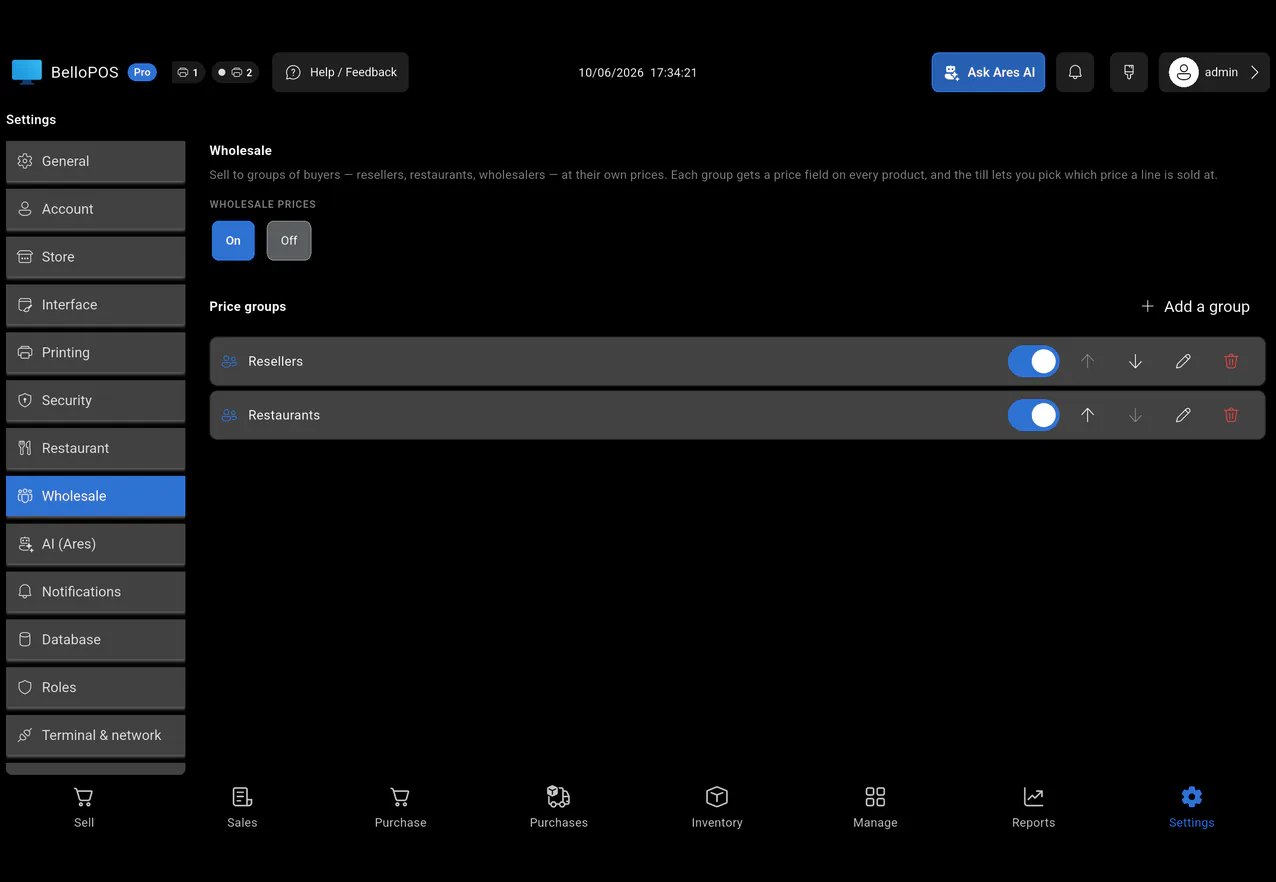
A stationery shop in Chawri Bazar sells to walk-in students at retail price and to schools and small shops at trade price. With price groups, the right rate appears as soon as the buyer is selected. Trade customers get a credit account with a dated statement, and outstanding balances are tracked on each customer's account until the cheque or NEFT arrives. Any GST tax invoices are handled as the shop's CA advises.
A phone accessories store near Koti handles chargers, cases, screen guards and earphones in dozens of models. Every item carries a barcode, so billing is a scan and stock falls automatically. Low-stock alerts show which fast-moving cables to reorder from Mumbai suppliers, and the owner asks the Ares AI assistant on his phone how much the shop sold today.
Yes. The Lite plan is free for life, not a trial: billing, receipts, products, stock, customers and barcode scanning all work without paying. When you need sales export to PDF, an udhaar ledger, wholesale prices, backups or the Ares AI assistant, you move to Go, Pro or Pro+, priced in rupees. You can also turn on a 7-day free trial of Pro in the app before you decide, with no card needed.
No. BelloPOS prints clear bills and receipts with your shop name, address and phone number in the header, and keeps every sale on record. These are sales receipts for your counter, not GST tax invoices or bills of supply, and we do not claim they meet the CGST Rules. If you need tax invoices, for example for B2B buyers, issue them as your CA advises and use BelloPOS for billing, stock, udhaar and reports.
No. BelloPOS does not connect to the Invoice Registration Portal, does not generate IRNs or QR codes for e-invoices, and does not create e-way bills. It is not a GST Suvidha Provider and holds no approval from any GST authority. If your aggregate turnover crossed ₹5 crore and you make B2B sales, you need an approved e-invoicing tool for those invoices. Many smaller shops are not in scope; ask your CA.
Yes. BelloPOS runs on your own Windows PC, Mac or Android tablet and saves every bill locally, so billing, stock and reports keep working when the internet is down. With Pro, extra counters and waiter phones connect to the main PC over your shop's own Wi-Fi or network, not the internet. Only the Ares AI assistant needs a connection. For power cuts, a basic UPS for the PC and printer is a good idea.
Yes, the way they do today: they scan your shop's own UPI QR code with Google Pay, PhonePe, Paytm or any UPI app, and you mark the bill as paid by UPI. BelloPOS does not connect to UPI or payment gateways, so it does not confirm the payment itself. Each bill shows how it was paid, which helps when you check your bank or UPI app statement.
Yes, from the Go plan. Each customer gets an account with a credit limit. An unpaid bill adds to their balance, a payment reduces it, and every correction is recorded rather than edited by hand. You can see who owes what at any time and give a customer a statement with dates, bills and payments, which is far easier to settle than a page in a notebook.
A Windows PC or a Mac (macOS 12 or later) that you may already own. Any USB or Bluetooth barcode scanner works without setup. For bills, use a 58 mm or 80 mm thermal receipt printer, or any normal printer for A4. A cash drawer is optional. BelloPOS also runs on Android tablets (Android 7 or later). With Pro, staff can also take orders or bill from a phone using the handheld web app.
Message us on WhatsApp with the plan you want: Go, Pro or Pro+, for life, by the month or by the year. Prices are shown in rupees on the pricing page. We email your licence key and an invoice from the USA. If you choose Pro or Pro+, we then set up the software remotely, add your products and train your staff. You have 14 days to ask for a full refund.
Still have a question? Get in touch
Download BelloPOS Lite for free today. Upgrade only when your shop needs more.
BelloPOS runs on a Windows computer or a Mac. Open the link there.
BelloPOS for Android runs on tablets, not on phones. Open this page on your tablet or your computer.
Download anywayFree download for Windows · checking the latest release… · works offline
Free download for Mac · checking the latest release… · works offline
Free download for Android tablets · checking the latest release… · works offline