Jënd, fournisseur ak njëgu jënd yu dëgg
Mu ngi ci BelloPOS Go
Bindal li agsi ak li nga fey, te bàyyi stock bi, njëgu jënd yi ak historique fournisseur bi ñu soppiku ñoom ñépp ci benn yoon.
Yebbi ci dara ngir Windows · ñu ngi seet version bu mujj bi… · dafay dox te amul internet
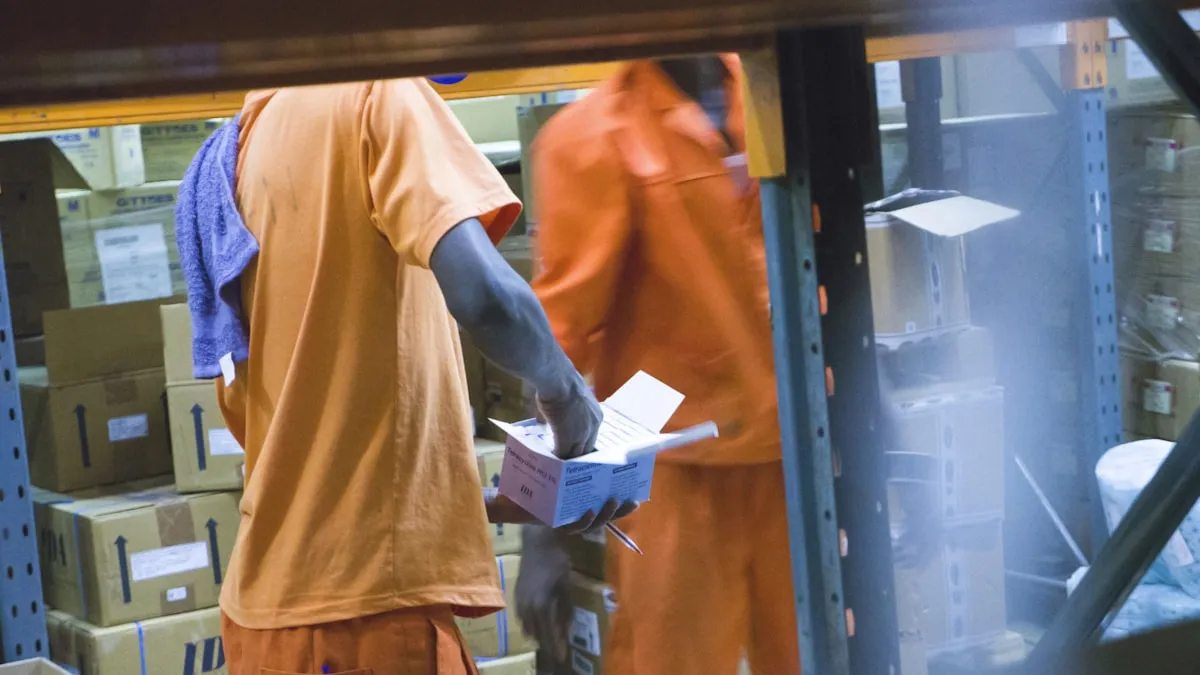
Jënd mooy fi ñuy àttee marge bitig bi, te li ëpp ci yoon yi mooy wàll bi ñu gën a bindul ci liggéey bi: livraison bu ñu seet ci xaaj, xaalis bu ñu fey ci xel, facture ci biir tiroir. BelloPOS dafay jox jënd yi seen écran dugal ak seen historique. Tànnal fournisseur bi, yokk produit yi ni panye caisse, bind statut, note, anam fey ak xaalis bi nga jox, te denc jënd bi saa bu livraison bi jubee.
Denc dafay yokk stock bi ak lim yi nga dugal te dafay bind njëgu jënd bu mujj bi ci bépp produit, li tax lim marge yi ci yeneen bërëb ci app bi am njariñ. Historique bi mën nañu ko seet te filtre ko ci fournisseur, caissier, produit walla diir. Ab jënd bu weesu mën nañu ko soppi te stock bi dafay soppiku ci wuute bi rekk, mën nañu ko duplikee ci benn brouillon bu bees, imprimer ko walla exporter ko. Jënd mu ngi ci BelloPOS Go ba ci kaw.
Li muy def
Dugal jënd ni caisse
Tànnal fournisseur bi, seet walla scanne produit yi, dugal lim yi ak njëgu jënd yi, te bind statut, note, anam fey ak xaalis bi nga fey ci benn bërëb.
Livraison yi dañuy dugg ci stock ci saa si
Jot dafay yokk lim bi ci saa si, kon etaasëer bi, magasin bi ak lojisel bi dañuy dëppoo te soxlawul dugal données yi ñaareelu yoon.
Njëgu jënd yu dëgg
Njëg bi nekk ci livraison bi dafay nekk njëgu jënd produit bi, moo tax colonne marge bi nekk lu nga mën a jëfandikoo.
Benn fiche ci bépp fournisseur
Ndimbalu jokkoo, komande yu weesu ak li nga leen fey, kon waxtaan ci njëg dafay tàmbalee ci firnde, du ci yaakaar.
Gis ko ci app bi
Écran yu dëgg yu BelloPOS ci Windows.
Ni muy doxe, tappaliku ak tappaliku
- 1Sosal fournisseur bi benn yoon, ak ndimbalu jokkoo yi.
- 2Defaral jënd bi ak produit yi ak lim yi agsi.
- 3Tànnal statutam, anam fey bi ak xaalis bi nga jox fournisseur bi.
- 4Dencal ko: lim yi dañuy dugg ci stock te njëgu jënd yi dañuy soppi fiche produit yi.
- 5Seetal, filtre, duplikee, imprimer walla exporter jënd bi ci historiqueam.
Laaj yi jaaykat yi di laaj
Ban plan moo am jënd yi?
Dugal jënd, historique ak defaraat stock bu lonkoo ak fournisseur dañuy ñów ak BelloPOS Go, ni licence bu fàww walla weer ak weer. Fiche produit yi ak stock bu dund yi dañuy des ci Lite.
Ndax denc ab jënd dafay soppi sama stock?
Waaw. Denc dafay yokk bépp lim bu ñu dugal ci stock bi te bind njëg liñ bi ni njëgu jënd bu mujj bi. Bu nga ko soppee ginnaaw, stock bi dafay yëngu ci wuute bi rekk.
Ndax mën naa gis li ab fournisseur jënde ma?
Waaw. Bépp fournisseur dafay denc historique komandeem, kon li nga jënd ak li mu la jënde ñu ngi ci benn écran.
Yeneen li BelloPOS man
Bépp module, benn xët ngir ku nekk.
Lojisel POS bu écran tactile
Ekraanu caisse bi sa liggéeykat yi dinañu ko jëfandikoo dëgg: benn bës ci écran ci benn marsandiis, benn saa ci benn fey, te dara du xaar internet.
Lojisel jëwrin stock
Bépp jaay ak bépp livraison dafay yëngal lim bi, kon li écran bi wax mooy li nekk dëgg ci etaasëer bi.
Lojisel code-barre ak étiquette
Bépp scanner dafay dox ci saa si, te lu amul code-barre dina am bu nga imprimer sa bopp.
Lojisel facture ak reçu
Tike thermique ngir ñiy xaar, facture PDF bu jub ngir kiliyaa bi ko laaj, ñoom ñaar ñépp bawoo ci menn jaay bi.
Lojisel jëwrin kiliyaa
Xam ki nekk ci sa kanam, li mu jënd ci yoon wi weesu, ak detay yi facture bi ci topp di soxla.
Crédit kiliyaa ak relevé compte
Tegal limite bi balaa jaay bi, topp bépp bor ak bépp fey, te jox kiliyaa bi ab relevé bu lim yi dëppoo.
Lojisel rapport jaay
Li jaayu, li jur, ku ko jaay ak lu nga war a komande ci topp, te doo exporter dara ci benn tableur.
Lojisel POS restaurant
Saal bi, pass bi ak addition bi ci benn système, buy dox ba tey su internet bi dee ci digg service bi.
Lojisel ngir atelier defar ak liggéeyu service
Téléphone bu ñu bàyyi ngir defar, rendez-vous coiffure ci 10i waxtu, ndox muy tuuru ci kër kiliyaa: benn fiche ci bépp liggéey, benn numéro, dara du réer.
Lojisel POS bu soxlawul internet
Du ab mode hors ligne buy dabaat ginnaaw: lojisel bi dafay dox rekk fa sa bitig nekk.
Lojisel POS bu ay caisse yu bari
Benn PC moo yor données yi, yeneen terminal yi dañuy waxtaan ak moom ci sa réseau ci sa bopp, te dara du génn ci kër gi.
Compte liggéeykat ak sañ-sañ
Ku nekk am sa login, bépp rôle am bouton yi mu war a am rekk, te historique bi dafay wax ku def lan.
Jënd, fournisseur ak njëgu jënd yu dëgg
Tàmbalil tey te boole sa njaay yépp ci benn plateforme.