Point of sale features
Everything BelloPOS does, for wherever you sell
The whole list, grouped by what you are trying to do. Anything without a badge is in every plan, including the free Lite licence.
Free download for Windows · checking the latest release… · works offline
Features that fit the Tanzanian counter
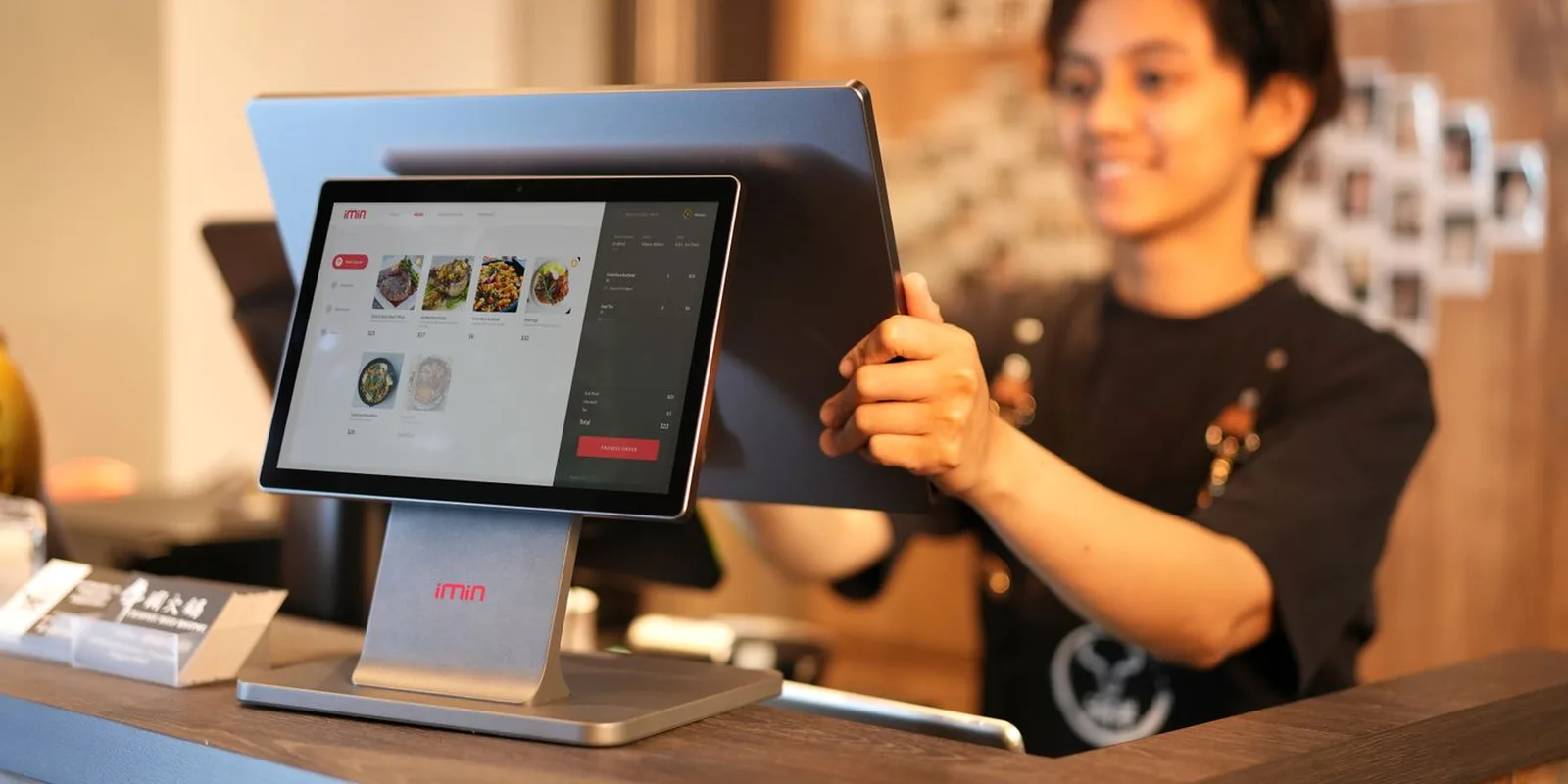
Every BelloPOS feature runs on the computer in your shop, so the counter keeps moving when the network is weak or bundles run out. Sell from a touch screen or a keyboard, scan barcodes with any USB or Bluetooth scanner, open the cash drawer and print receipts on a 58 mm or 80 mm printer with your shop name, location and phone number in the header. Stock goes down with each sale and up with each delivery, every movement is kept in the history, and low-stock alerts tell you what to reorder.
The paid plans add what Tanzanian traders ask for most. Go brings credit accounts with limits and statements, wholesale price groups for small shops, lodges and institutions, purchase orders, sales export to PDF and scheduled backups. Pro adds tables and kitchen printing for restaurants and bars, extra tills on your shop network and a phone app for waiters and shop assistants. Ares, the AI assistant, answers questions like which items sold best today. Fiscal receipts are not part of BelloPOS and stay on your EFD or VFD.
Highlights for Tanzanian businesses
Keeps selling offline
Sales, stock, receipts and reports all run on your own PC or Mac. When the network drops or bundles finish, the counter carries on. Put the PC and printer on a UPS and you also trade through power cuts until the generator starts. Only Ares AI and plan activation need a connection.
Cash and mobile money on every sale
Add the payment methods your shop takes and choose one on each sale, so every sale shows whether it was cash, M-Pesa, Tigo Pesa, Airtel Money or card. At closing, count the drawer against the day's sales and check wallet sales against your statements.
Credit accounts instead of the exercise book
Regular customers who take goods on credit get a proper account in Go: a limit checked at the till, a ledger of every purchase and payment, and a printable statement at month-end. No more lost pages or arguments over what is owed.
Wholesale and retail from one stock
Give small shops, lodges, schools and contractors their own price group in Go. Pick the customer at the till and the right price appears, while walk-in buyers pay the shelf price. Cartons and single pieces come from the same product list.
Staff logins and stock checks
Each cashier or shop assistant signs in as themselves, and roles decide who can void, discount or open the drawer. Go adds an activity log, and stock counts show the gap between the system and the shelf, which matters for high-value lines such as drinks, phones and spare parts.
How Tanzanian businesses use BelloPOS
Mini supermarket in Sinza, Dar es Salaam
About 1,500 items are scanned at one till, and labels are printed for sugar, rice and beans repacked into smaller bags. Stock bought in Kariakoo is booked in against the order, and the low-stock list tells the owner what to buy before the weekend. Neighbours who pay at month-end have accounts with limits. Fiscal receipts come from the shop's EFD, as TRA requires.
Safari outfitters' supply shop in Arusha
Tour companies and lodges buy water, snacks and supplies by the carton before trips to the parks, while walk-in customers buy single items. With Go, each tour company sits in a trade price group with a credit account and a monthly statement. Purchase orders track deliveries from Dar es Salaam suppliers, and Ares shows which lines move fastest in high season.
Hardware shop in Mwanza
Fundis, contractors and walk-in buyers purchase cement, iron sheets and paint from the same counter at different prices. Contractors get a trade price group and a credit account on Go, so the owner sees who owes what before releasing more stock. Each shop assistant logs in separately, and only the owner can change a price or void a sale.
Restaurant in Stone Town, Zanzibar
On Pro, the restaurant runs a main till, a kitchen printer and waiters' phones over its own Wi-Fi. Orders go from the table to the kitchen at once, and each table keeps its own bill until the guests pay. When the internet drops in the evening rush, service continues because everything runs on the local network. Zanzibar fiscal rules are handled outside BelloPOS.
Checkout
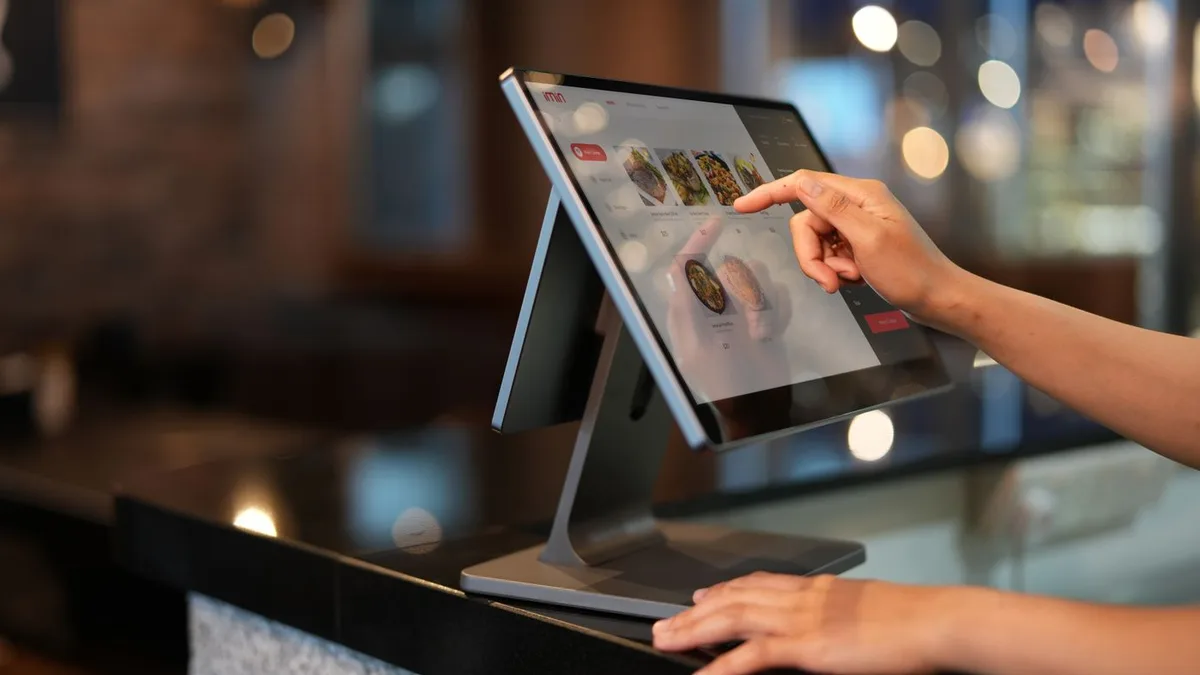
Ringing up a sale, taking the money and handing over the receipt.
Checkout
Add items, add tax and take payment.
Read moreDiscounts
Give a discount on a line or on the whole sale.
Read moreDelivery companiesGo (Included from BelloPOS Go)
Send orders out with your delivery companies.
Read moreOrder notes & statusGo (Included from BelloPOS Go)
Add a note and a status to each order, with one-tap quick notes.
Receipts & invoices
Print small receipts or big A4 pages, with your shop name on top.
Read moreCustomer second screen
Your customer sees what they are buying on a second screen.
Read moreReceipts without watermarkGo (Included from BelloPOS Go)
Take the BelloPOS line off your receipts.
Read moreNo ads on the lock screenGo (Included from BelloPOS Go)
The promotional banner at the top of the login screen goes away.
Customer screen adsPro (Included in BelloPOS Pro)
Show your photos and videos on the customer screen.
Read more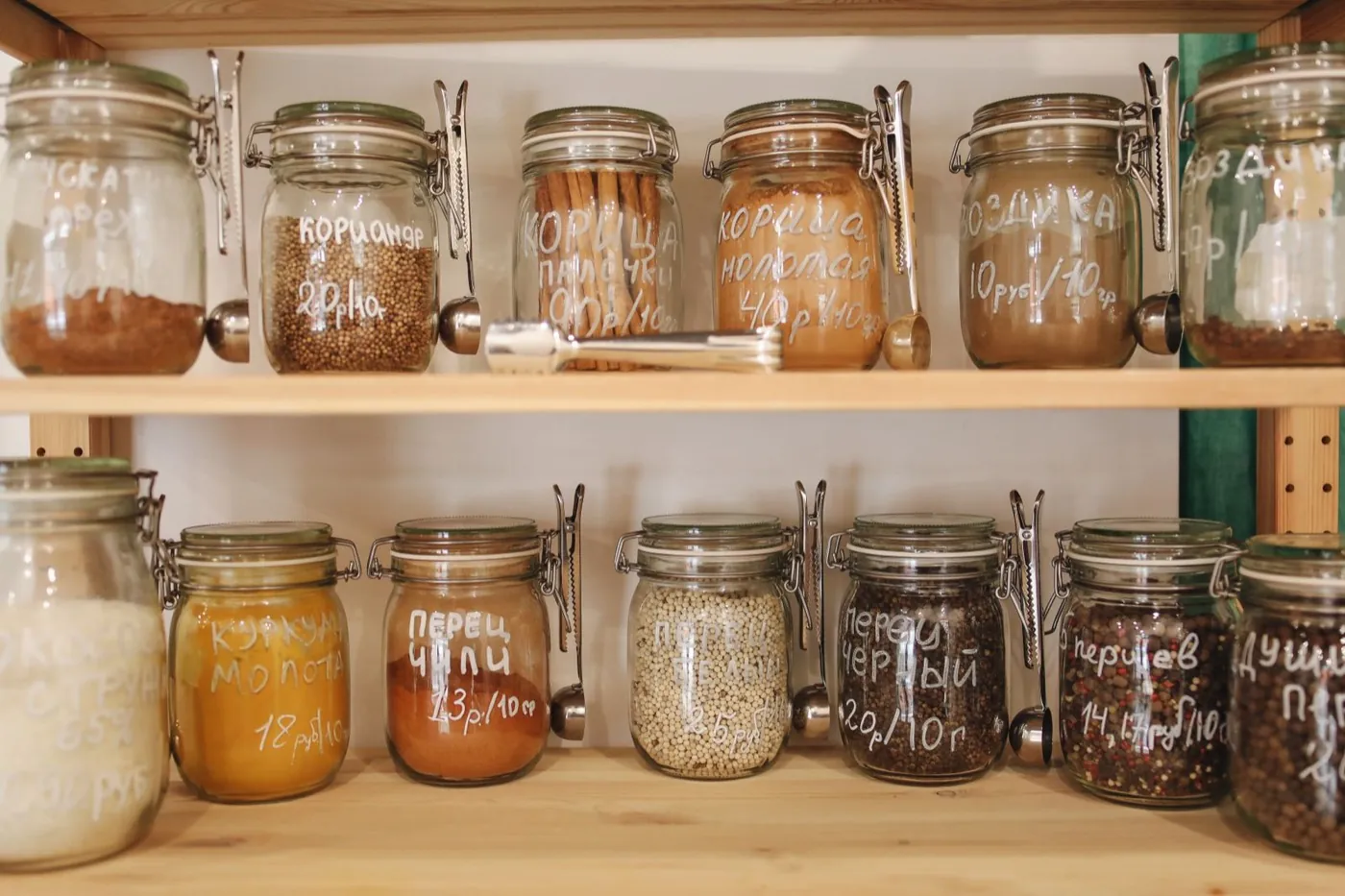
Catalog, stock & customers
What you sell, how much of it is left, and who buys it.
Products & categories
Add your products, groups, brands, taxes and ways to pay.
Read moreProduct options & variantsGo (Included from BelloPOS Go)
Sizes, colours and other options on one product, with a price for each variant.
Read moreScan to create
Scan a barcode the shop doesn't know yet to create that product on the spot, in a quick new-product form.
Read moreSmart search
Product search ignores accents and capitals and matches several words at once.
Read moreExcel & CSV import and export
Import and export products as Excel (.xlsx) or CSV files, or paste product rows straight from Excel.
Read moreInventory & barcodes
Know how much stock you have. Print barcode labels.
Read moreCustomers & suppliers
Keep a list of your customers and suppliers.
Read moreCustomer credit & statementsGo (Included from BelloPOS Go)
Let customers buy now and pay later. Set a limit and see what each one owes.
Read moreWholesale pricesGo (Included from BelloPOS Go)
Make price groups, like wholesale, each with its own price for every product.
Custom fieldsGo (Included from BelloPOS Go)
Your own fields on products and customers — warranty, origin, birthday, loyalty card — on the forms, the receipt, the search and the Excel files.
Read moreManage purchasesGo (Included from BelloPOS Go)
Order from suppliers, add new stock and save what you paid.
Read more
Staff & control
Who works the till, what they may do, and what they did.
Reporting
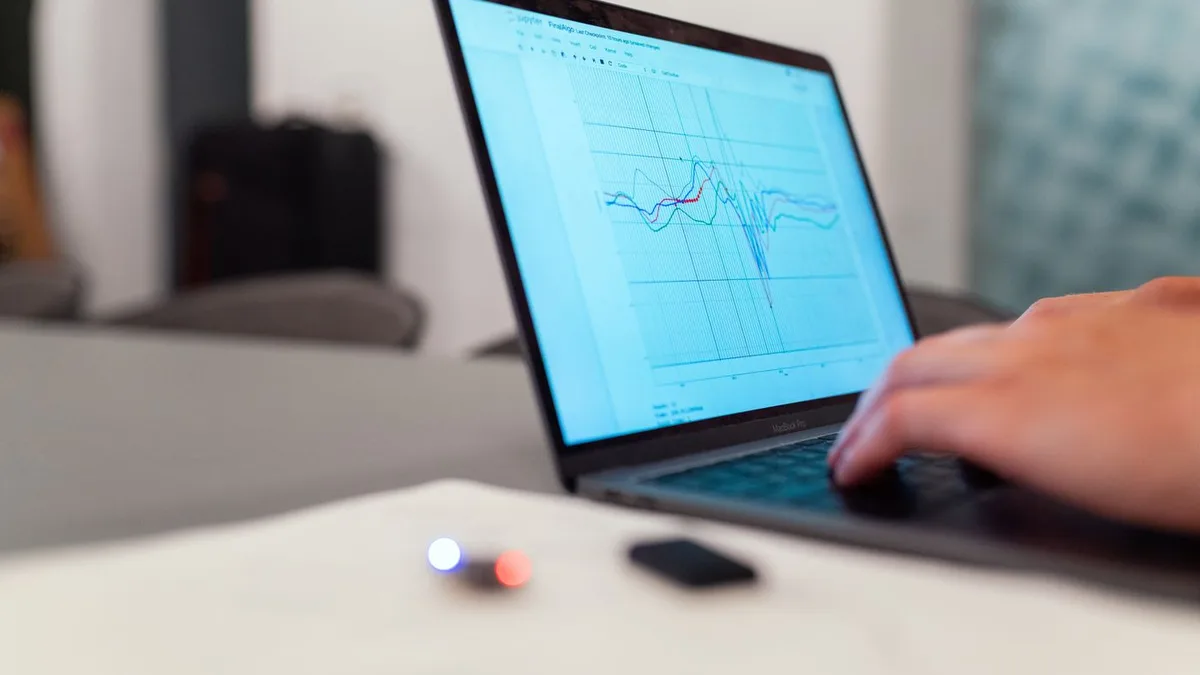
Where the money went, in numbers you can act on.
Sales history
See past sales. Change them, cancel them or print them again.
Read moreAnalytics dashboardGo (Included from BelloPOS Go)
See your sales, your profit and your best products.
Read moreExpensesGo (Included from BelloPOS Go)
Record rent, bills and other running costs by day or month, in your own categories, with charts and export to CSV, Excel or PDF.
Read moreSalariesGo (Included from BelloPOS Go)
Pay your staff by day or month, bonuses included, with each employee's history and export to CSV, Excel or PDF.
Read moreAres AI assistantGo (Included from BelloPOS Go)
Ask in plain words. Ares adds products, finds sales and builds reports, in the app or on Telegram. It uses your own Gemini or DeepSeek key.
Export invoicesGo (Included from BelloPOS Go)
Save all the invoices and receipts of a period as PDF.
Read moreTelegram / email reportsPro (Included in BelloPOS Pro)
Get your reports sent to you by email or Telegram.
Read more
Restaurant
Tables, the kitchen pass, and taking orders away from the counter.
Restaurant modulePro (Included in BelloPOS Pro)
Draw your rooms and tables, and send orders to the kitchen.
Read moreKitchen web appPro (Included in BelloPOS Pro)
The kitchen sees new orders on a phone or tablet.
Read moreHandheld web appPro (Included in BelloPOS Pro)
Take orders, and repair tickets with Services, on a phone. It uses the same data as your till.
Read more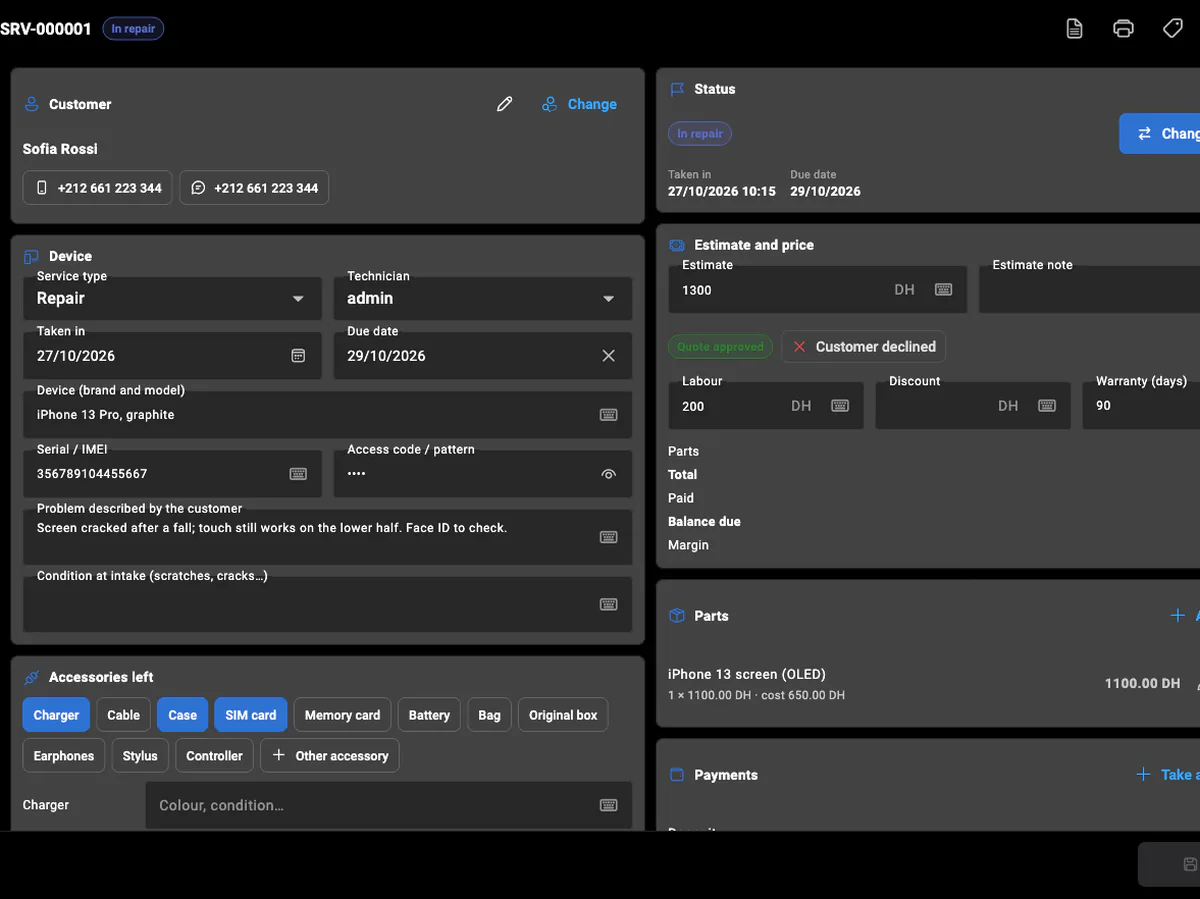
Services
Repairs, bookings and on-site jobs: each with its status, parts and payments.
Services: jobs, bookings and repairsPro (Included in BelloPOS Pro)
Repairs, bookings and on-site jobs for 19 service trades — phone repair, garages, laundries, salons, plumbers and more — with statuses, quotes, parts, payments, warranty and printed tickets.
Read moreService calendarPro (Included in BelloPOS Pro)
Appointments, visits and due dates by month, week or day, per technician. Drag a ticket to reschedule it.
Read moreService invoicesPro (Included in BelloPOS Pro)
Invoices for repairs and service work in their own numbered series, with credit notes and the total in words.
Read more
Runs anywhere
The part that keeps working when the internet does not.
Works fully offline
You do not need internet to sell.
Read more36 languages, including French, English, Arabic, Spanish and Portuguese
Use the app and print receipts in your own language.
Free monthly updates
A new version every month. Free on every plan.
Automatic backupsGo (Included from BelloPOS Go)
Save a copy of your data on a schedule, and bring it back if you need it.
Read moreMulti-terminal (server / client)Pro (Included in BelloPOS Pro)
Use many tills in one shop. One main PC keeps all the data.
Read moreReady to run your shop on BelloPOS?
Get started today and bring all your commerce into one platform.